
Pocket photo printers for your phone
Print your favourite photos in seconds, wherever you are. Portable-Printer supplies compact pocket photo printers for smartphones, with paper, accessories and practical help from our Sandton base.

Pocket photo printers made for everyday moments
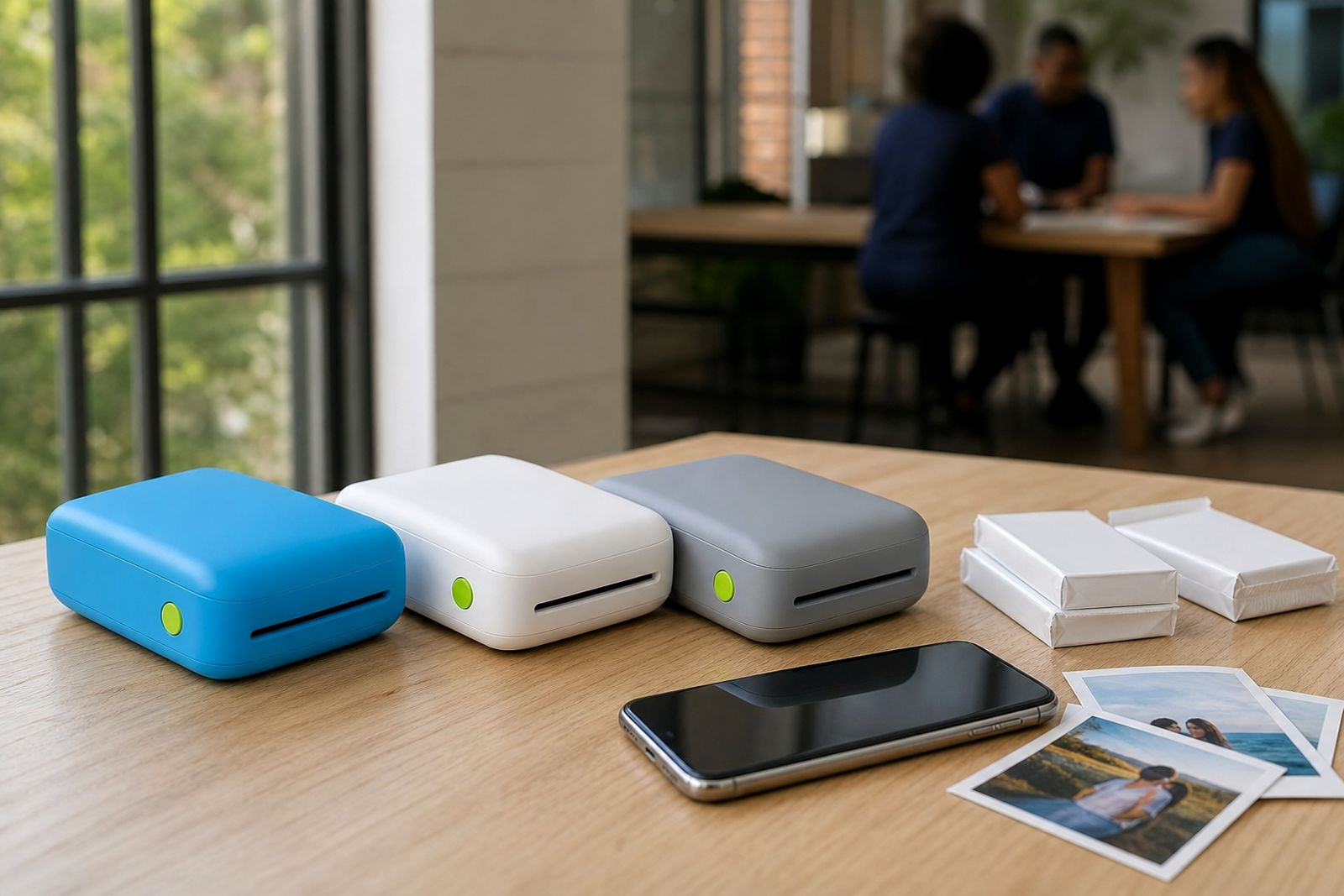
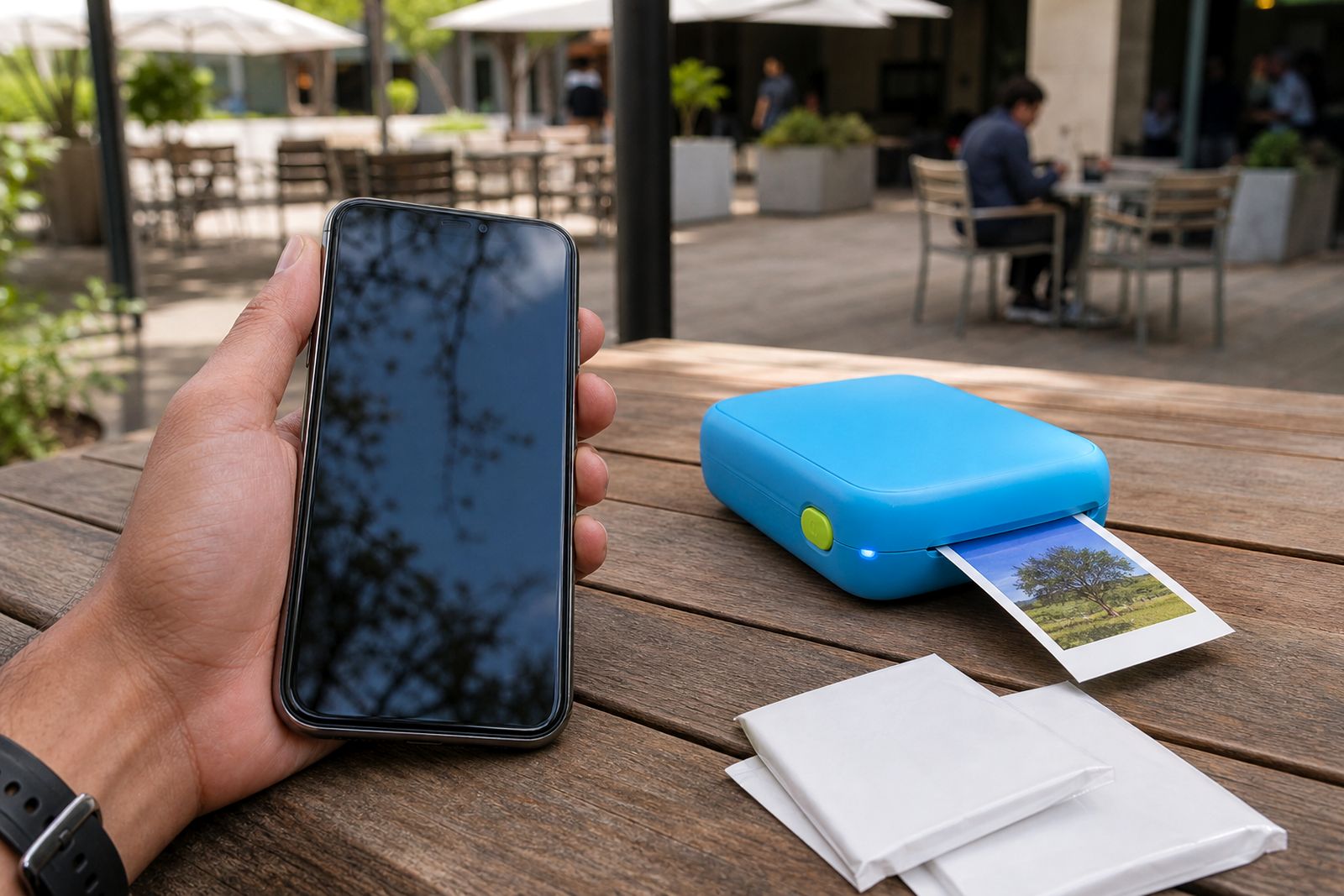
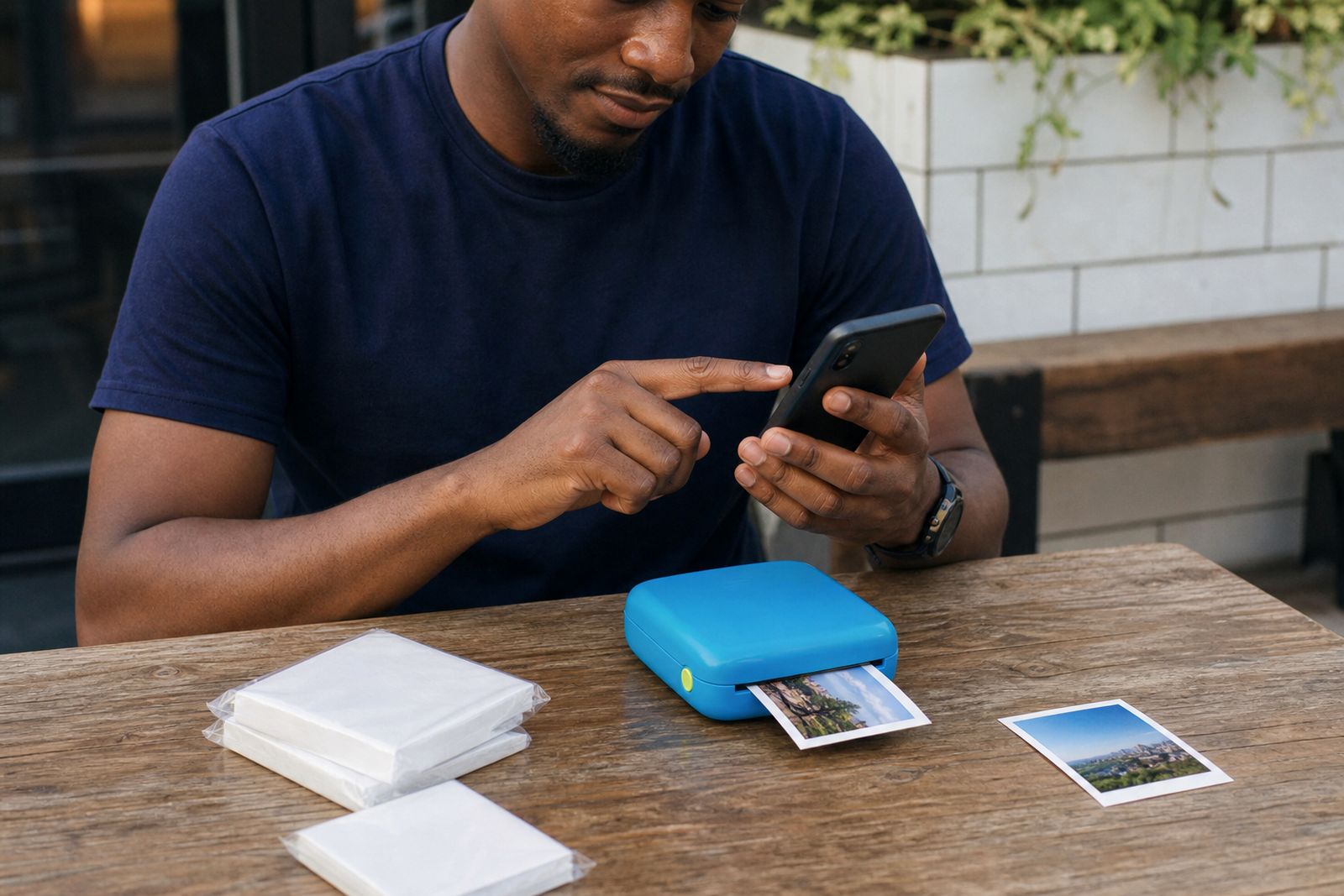
A pocket photo printer gives you a quick way to turn phone photos into something you can hold, share or stick into a journal straight away. We supply compact units designed to connect to a smartphone over Bluetooth or through a companion app, making them suitable for home use, travel, school projects, parties and small creative work. They are simple to carry in a handbag, nappy bag, camera pouch or cubby, and they suit people who want a print in hand without finding a photo shop.
Our range is chosen for South Africans who want practical, small-format printing from a phone. That includes individuals printing personal memories, families making keepsakes for fridges and albums, scrapbookers building pages as they go, teachers preparing classroom rewards, and wedding or party guests making instant mementos on site. We do not offer a printing service. Instead, we supply the printer, the paper and the extras you need to print your own photos when it suits you.
- Compact pocket photo printers for smartphones
- Photo paper, sticker paper and ink-free paper packs
- Cases and chargers for day to day use
- Help with choosing the right printer type
- Guidance on pairing, app setup and first prints
Where to start
Pocket photo printers
Compare pocket printers for photos, stickers and snapshots, with simple guidance on paper size, finish and everyday use.
Read more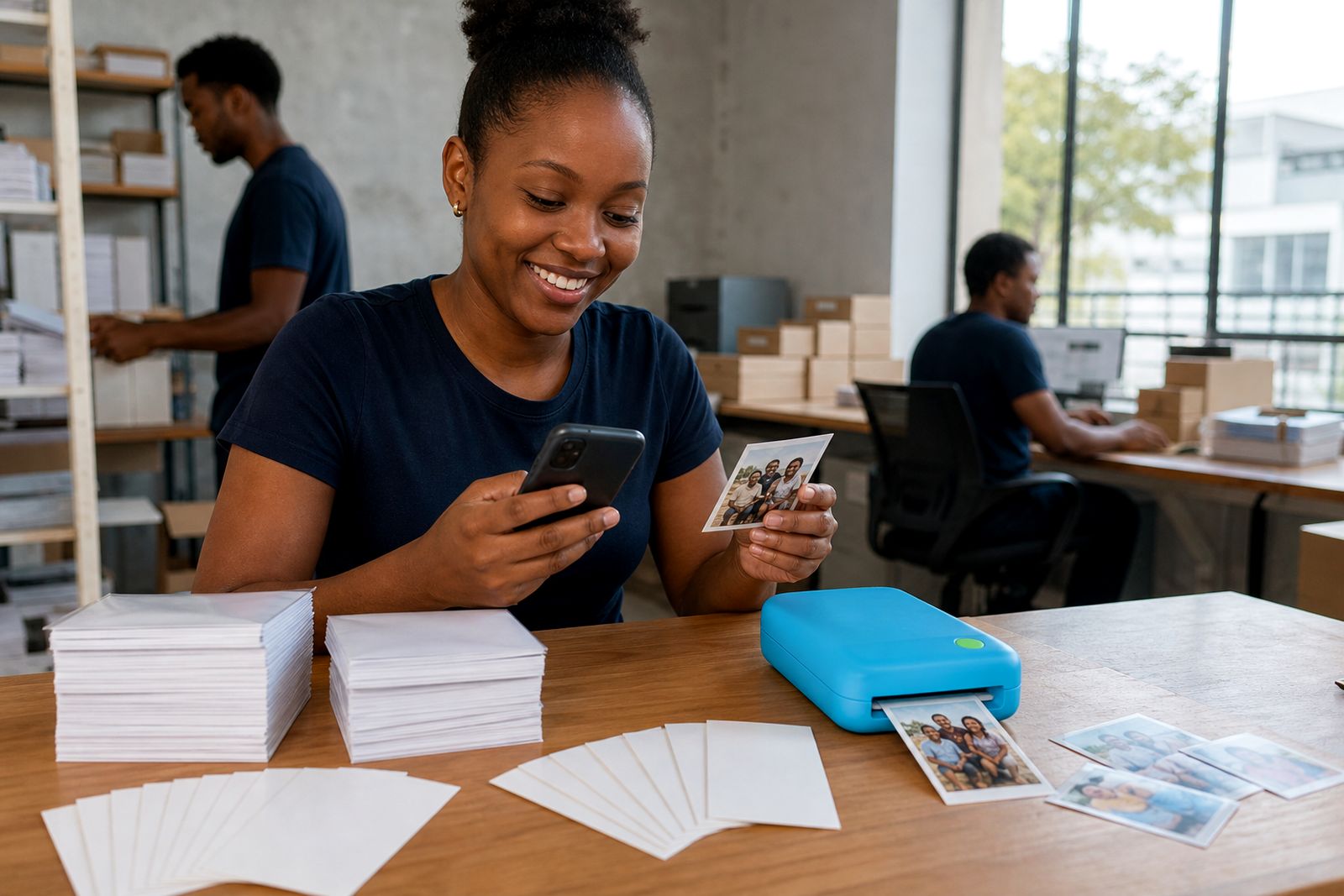
Photo and sticker paper
Choose the right paper pack for your pocket printer, from glossy photos to peel-and-stick prints.
Read more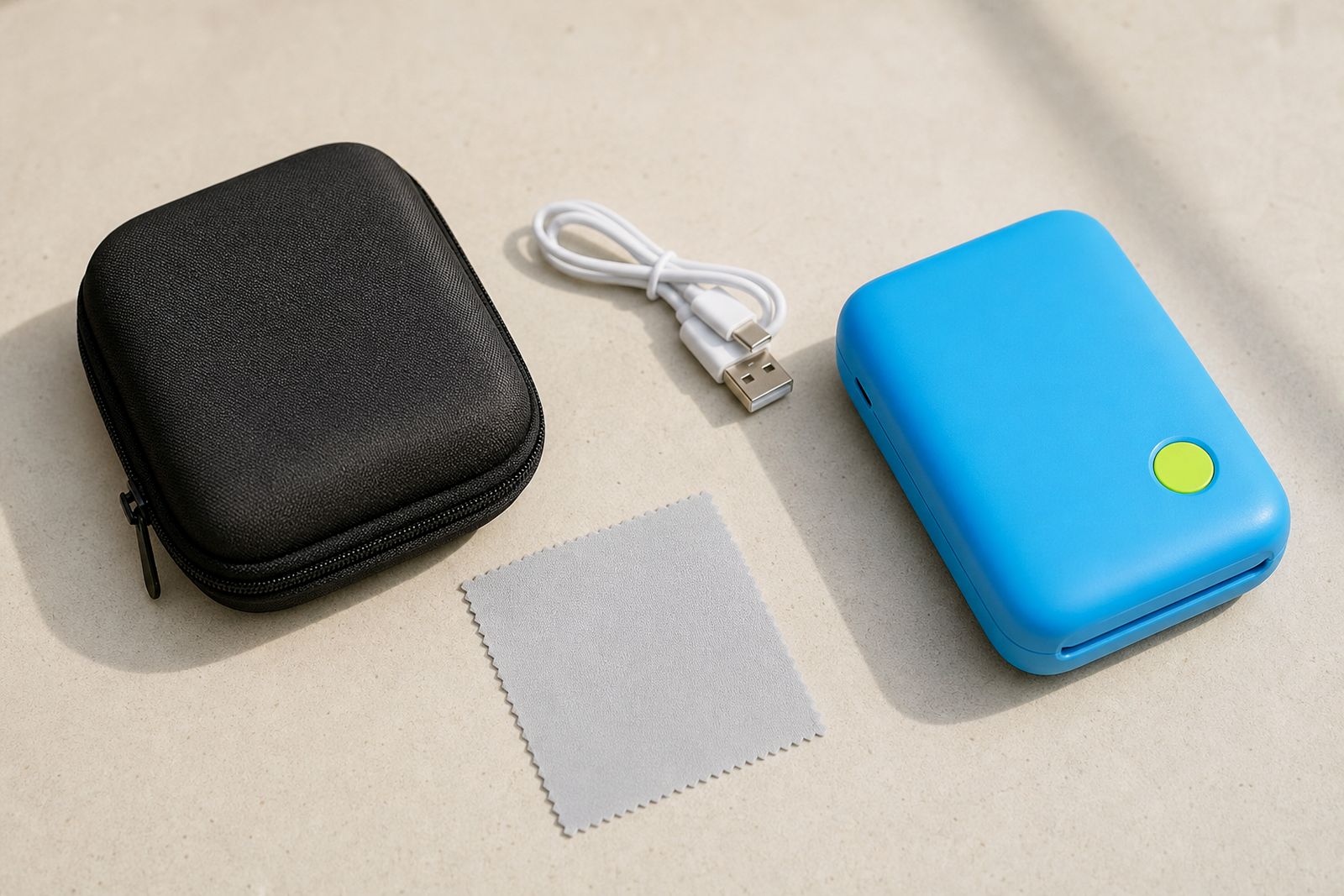
Printer accessories
Protect, power and look after your pocket printer with cases, chargers and simple care essentials.
Read more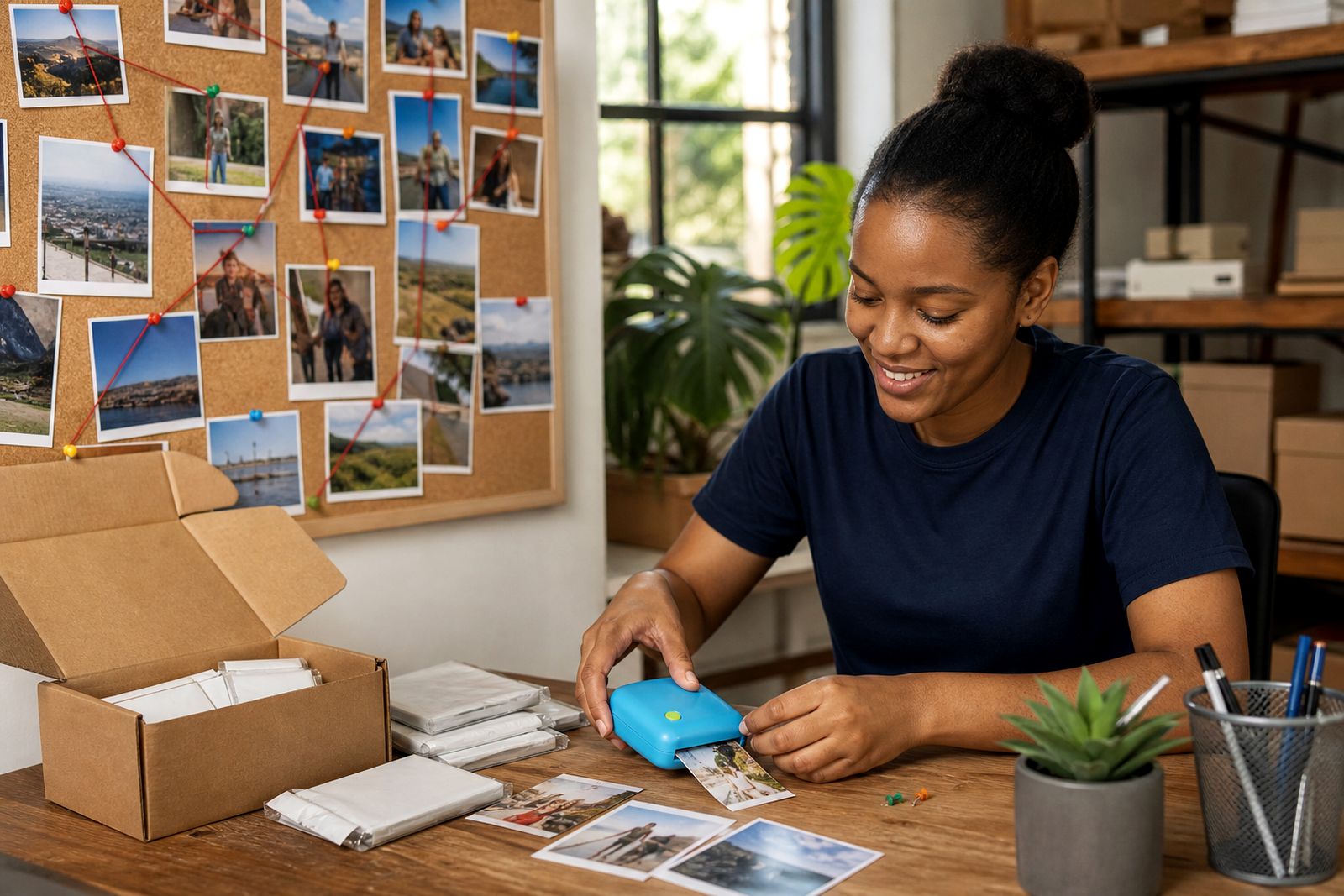
Ideas for pocket prints
Useful ideas for small phone prints, from party favours to school labels and scrapbook pages.
Read more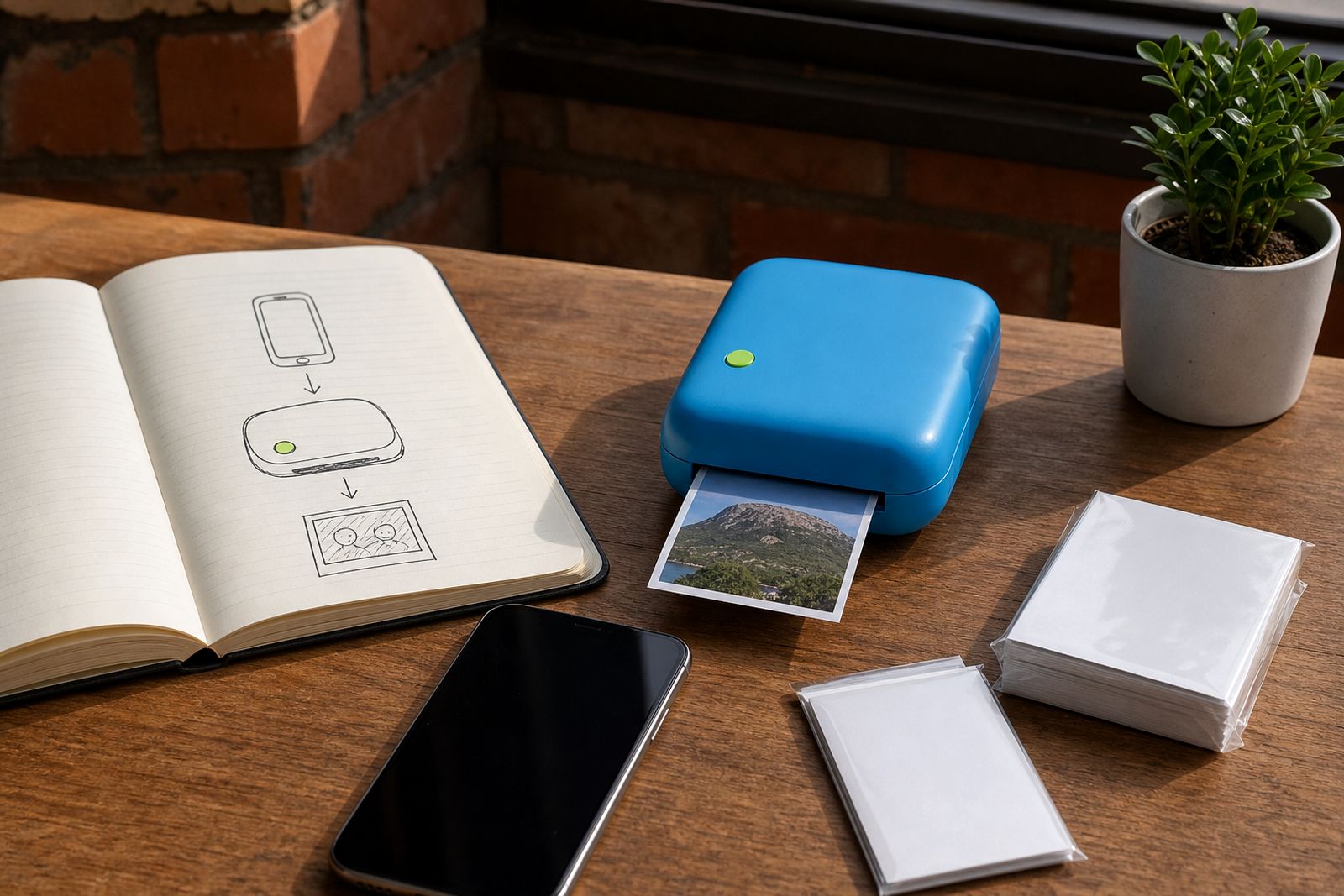
Pocket printer guides
Helpful guides for setup, connection, paper selection, print quality and everyday pocket printer care.
Read more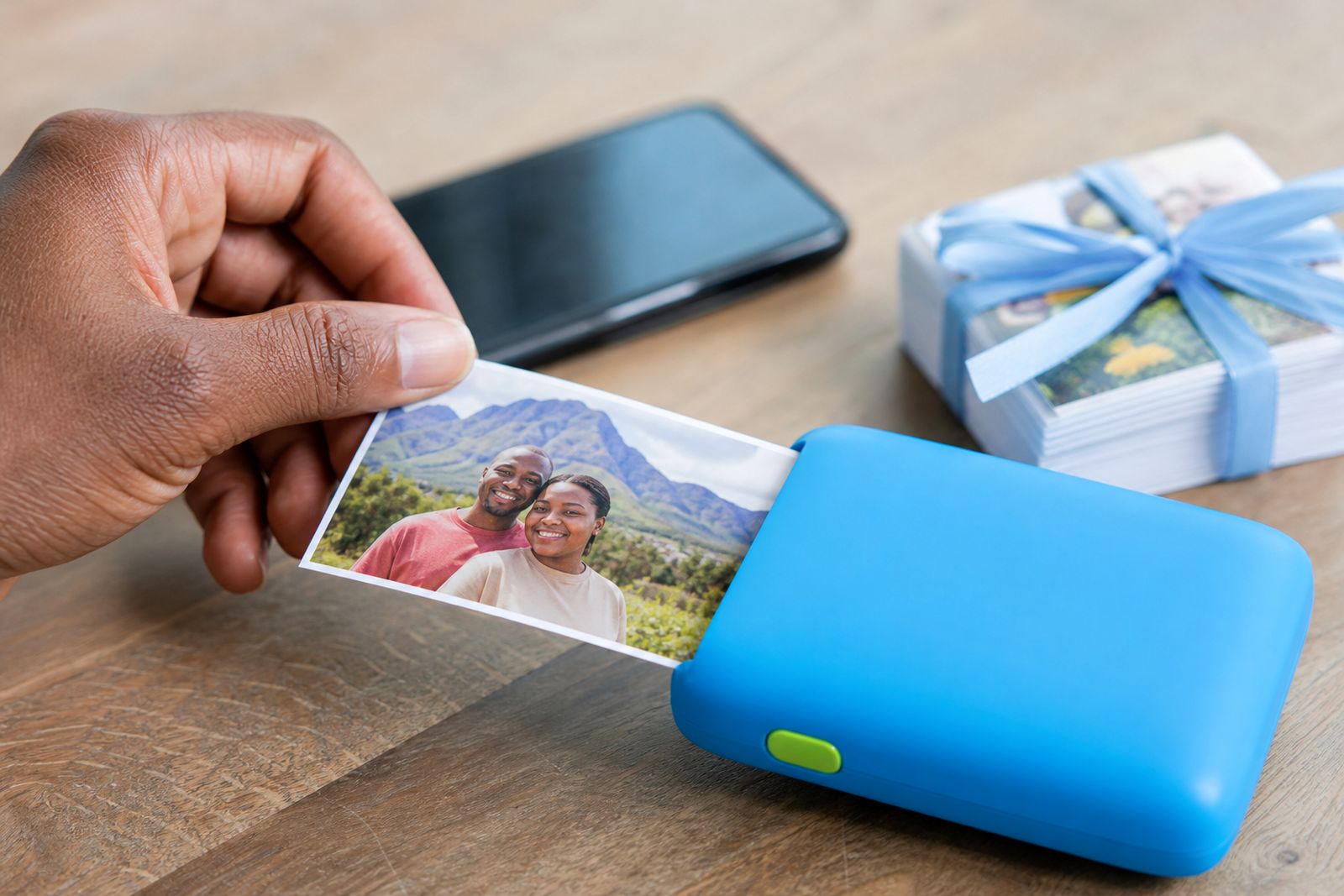
What we supply with your printer
Choosing a pocket printer is usually about how you want to use the prints. Some customers mainly want glossy photo prints for family albums and gift cards. Others prefer peel-and-stick prints for journals, planners, party favours or classroom activities. We keep the focus on the basics that matter: print type, paper format, portability, and how easy it is to connect from your phone.
Alongside the printers themselves, we supply the consumables and accessories that keep the setup useful after the first week. That means you can order the main unit and the matching paper packs together instead of trying to figure it out later. It saves time, and it helps avoid buying the wrong size by mistake.
- Standard photo paper packs for pocket-size prints
- Sticker paper packs for scrapbooks, journals and labels
- Ink-free paper packs where that print method is preferred
- Protective cases for travel and storage
- Chargers for convenient power top-ups
- Frames and albums for displaying or keeping prints
If you are unsure which option fits your use, we talk through your phone type, where you will use the printer most often and whether you want plain photo prints or sticker-backed prints. That simple conversation usually narrows it down quite fast.
Who these smartphone printers suit best
Small photo printers are popular because they fit into ordinary life without much setup. You do not need a dedicated work area or a long cable run. If you can take a photo on your phone, you can usually print it a few moments later. That makes them a good fit for plenty of everyday users in Sandton and further afield.
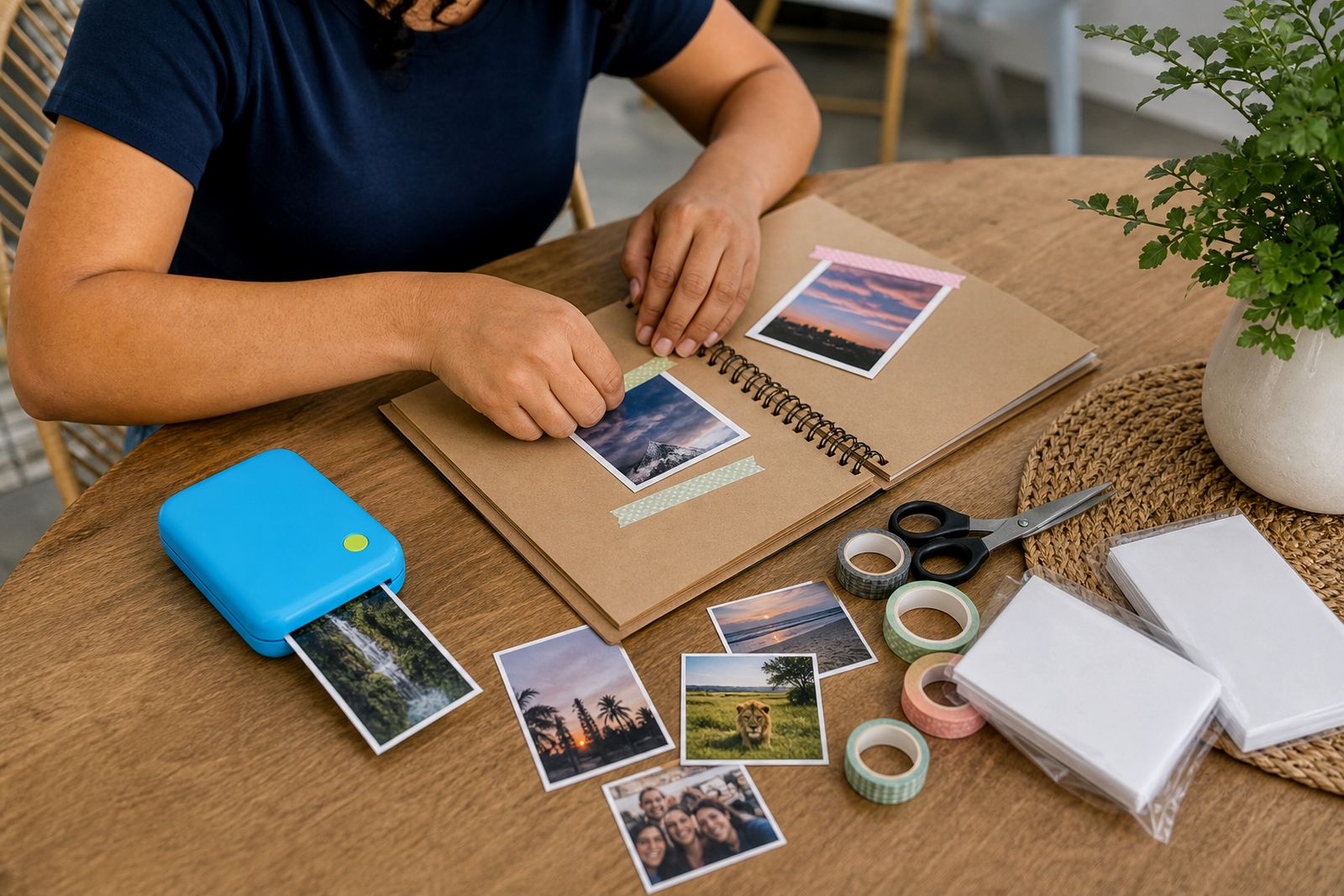
They work especially well for people who want instant keepsakes at social events, or for creatives who use printed snapshots in handmade work. Teachers often like them for visual classroom tasks, reward charts or memory projects. Families use them for holiday albums and fridge photos, while party hosts use them for guest books and thank-you tables. Small creatives also use them for mock-ups, mood boards and packaging inserts, though these printers are not intended for large format output.
- Individuals who want quick prints from a phone gallery
- Families making albums, memory boards and gift notes
- Scrapbookers and journal keepers who want sticker options
- Wedding and party guests creating instant mementos
- Teachers preparing visual activities and keepsakes
- Small creatives needing compact, on-the-go photo output
How ordering and setup usually works
Most enquiries come through our contact page. From there, we ask a few practical questions so we can point you to the right printer type and paper. The main points are usually your phone model, whether you want photo or sticker prints, and whether the printer is for occasional family use or more frequent creative use. We keep it straightforward because most customers are not looking for a long technical exercise.
Once we know what you need, we guide you towards a suitable option and the matching supplies. When your printer arrives, we can help you through the first connection steps so you can pair the phone, load the paper correctly and make a test print. If needed, we also explain common print issues such as image cropping, brightness and paper orientation. It is usually a short process, but it makes a big difference for first-time users.
A typical order runs like this: you send an enquiry, we recommend a suitable setup, you choose the printer and extras, and then you receive practical guidance for getting started. That early help matters because a lot of frustration comes from simple setup points, not from the printer itself. Once the connection is done most customers find the process easy enough.
From Sandton to every province
We are based in Sandton in Johannesburg and supply customers locally as well as across South Africa. That includes Gauteng, the Western Cape, KwaZulu-Natal, the Eastern Cape, the Free State, Limpopo, Mpumalanga, North West and the Northern Cape. Pocket printers travel well because of their size, so courier supply is a practical way to reach customers in large metros and smaller towns alike.
For nearby areas, many enquiries come from Sandton itself, Bryanston, Rivonia, Fourways, Rosebank, Midrand and other parts of Johannesburg. We also assist customers in Pretoria, Centurion, Durban, Cape Town, Gqeberha, Bloemfontein, Nelspruit, Polokwane and outlying towns where a compact mobile photo setup is more convenient than looking for a specialist shop. If you are ordering paper packs or a case to go with an existing unit, we can also help you match the right consumables before dispatch.
Because these printers are made for use on the move, they also suit the realities of local life. During load-shedding many customers prefer a small rechargeable unit that can still be used away from a wall plug, provided it is charged beforehand. For coastal areas, storing paper packs closed and dry helps prevent curl or moisture issues, which is a small thing but worth knowing.
A practical note on print types, paper and better results
One of the most useful things to understand before buying is that not all pocket printers work the same way. Some are geared towards photo-style prints, while others are popular for sticker output and journaling. Some use ink-free media, which means the paper itself is specific to that print method. Others rely on dedicated photo media. Picking the right system at the start matters more than chasing features you may never use.
Good results also depend on the image you start with. A dark restaurant photo, a screenshot or a heavily cropped image will usually print differently from a bright outdoor shot. We often suggest making a test print first, then adjusting brightness or crop in the app before printing a full batch. It sounds basic but it saves paper, and avoids disappointment.
- Use the correct paper pack for the printer type
- Keep paper sealed when not in use, especially in humid weather
- Charge the printer before events or travel days
- Check app permissions if the phone cannot find the printer
- Print a test image first when changing paper or settings
- Store the printer in a case to protect it in a bag or car
If you are not sure which print type will suit your routine, ask before you order. A family printing holiday photos may want something different from a scrapbooker making sticker spreads every week, and a teacher may need a setup that is simple to load quickly between tasks. That is where a bit of guidance helps a lot, even if the product is small.
From our notes

Questions we get asked
Do you offer photo printing as a service?
No. We supply pocket photo printers for smartphones, along with matching paper packs and accessories, so you can print your own photos when and where you want.
Can I print from my phone without cables?
Yes. The printers we supply are intended to connect to a smartphone over Bluetooth or through an app, depending on the model and your phone setup.
Can you help me choose the right paper and printer type?
Yes. We help customers compare printer types, plain photo prints versus sticker prints, and the correct paper packs and accessories for the setup they choose.
Tell us about the job
Send sizes, materials and where you are through our contact form, and we will come back with the practical options.
Open the contact form