Pocket photo printers
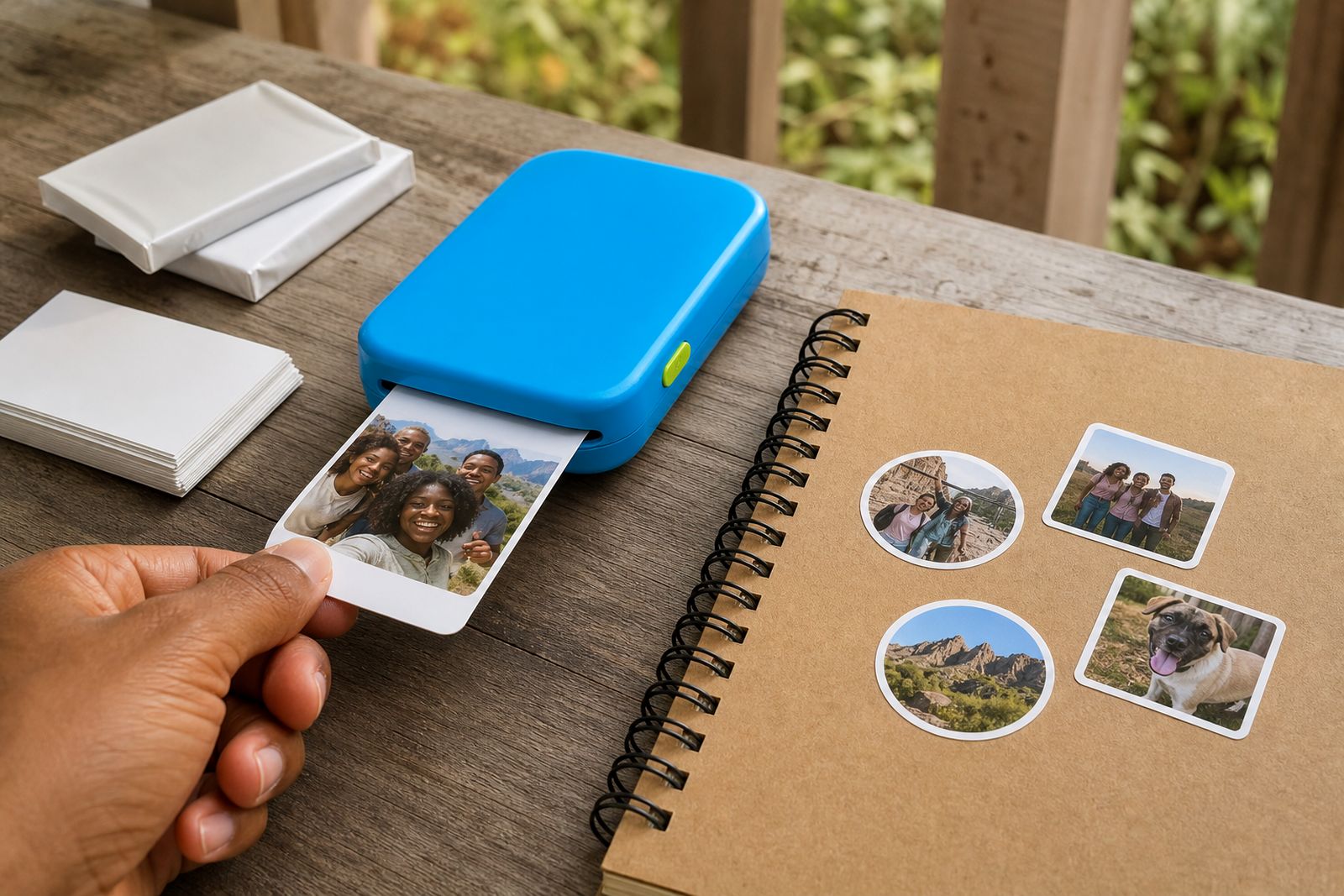
Our pocket photo printers are made for smartphone users who want real prints in minutes, whether it is for keepsakes, parties, journals or gifting. This page helps you compare sticker, border and snapshot styles so you can choose the right printer and paper for the way you use it.
Pocket printers for everyday smartphone photos
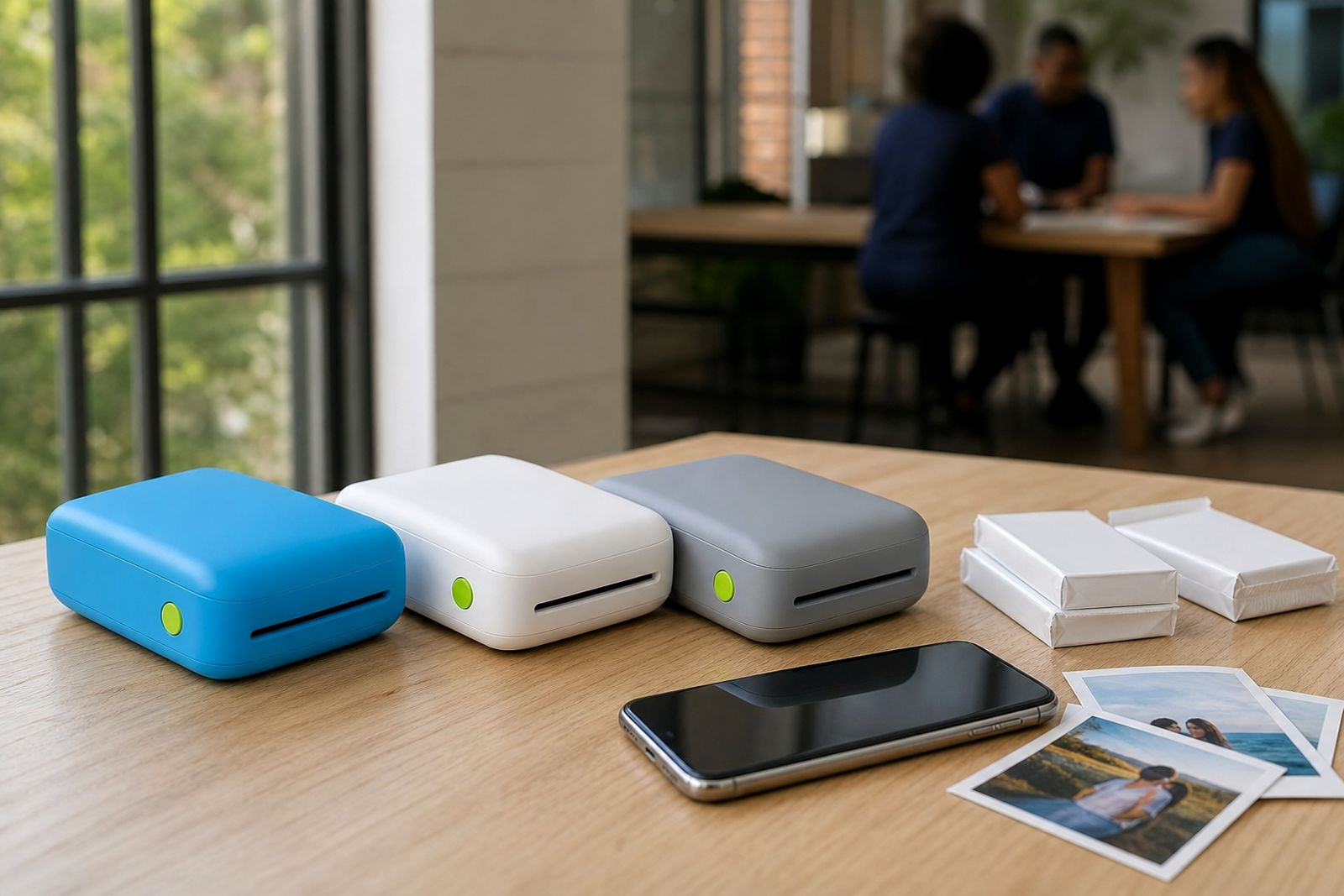
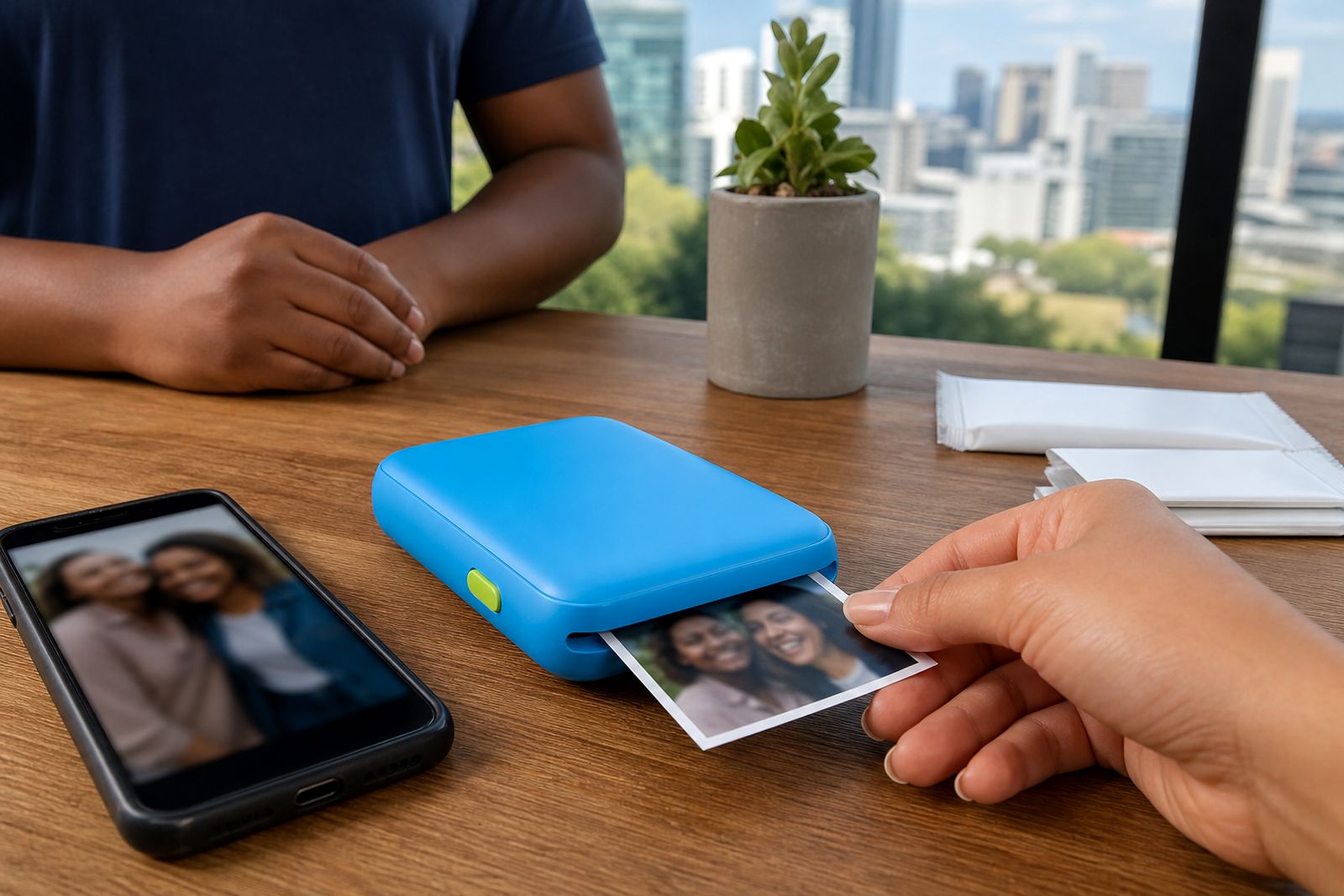
Portable-Printer supplies compact pocket photo printers from Sandton in Johannesburg, with courier delivery to every province. These printers connect to a smartphone over Bluetooth or through a companion app, making them a practical choice for people who want quick prints at home, at school events, on holiday or during family gatherings.
Our range is aimed at individuals, families, scrapbookers, teachers, wedding and party guests, and small creatives who need a neat portable unit rather than a large home printer. We also supply the paper, sticker paper, ink-free paper packs, cases and chargers that go with these machines, and we help customers choose a type that suits their photos and phone setup.
What changes between sticker, border and snapshot printers
Not all pocket printers work the same way. The main difference is the print style and the paper format. Some produce classic mini photo prints, some print on peel-and-stick paper for journals and labels, and some create snapshot prints with a border area that can be written on. If you are choosing for a child, a classroom, a guest table or a memory album, that print format matters more than most people expect.
- Sticker printers: Best for scrapbooks, journals, planners, gift tags and party favours where you want the print to stick straight onto a page or surface.
- Border printers: Good for memory books and event tables where people want a small space to write a date, note or message under the photo.
- Snapshot printers: A straightforward option for everyday mini photos, sharing with friends and building a stack of loose prints for albums or frames.
The print size is small by design, so these machines are about convenience and fun rather than large display photos. They are easy to carry in a handbag, backpack or cubby in the car, which makes them useful during weekend trips and school functions.
How to choose the right printer for your use
The simplest way to choose is to start with what you will do with the print after it comes out. If the print must go straight into a journal or onto a card, sticker paper usually makes the most sense. If you want guests to leave messages at a celebration, a border print is often the better fit. If you mainly want quick photo keepsakes from your phone gallery, a snapshot unit is usually the easiest option.
- Choose sticker if you make scrapbooks, classroom reward charts, study notes or party packs.
- Choose border if you want room for captions, names, dates or table messages.
- Choose snapshot if you want simple mini photos without extra fuss.
- Pick ink-free paper systems if you prefer fewer consumables to manage.
- Check phone compatibility if more than one person in the family will use the printer.
If you are unsure, we can guide you through connection type, paper style and typical print use before you place your enquiry. That saves a lot of trial and error later on.
Practical points that matter in South African homes and events
Portable use in South Africa often means working around travel, school bags and load-shedding. A compact charger and a protective case are worth considering if the printer will move around often or be used at venues. It also helps to keep spare paper packs on hand before birthdays, weddings and end-of-term school activities, because these printers are usually used in bursts rather than a little at a time.
In coastal areas, humidity can affect how paper feels and feeds, so it is better to store paper packs closed and out of damp rooms. In inland areas like Johannesburg, dust can be more of an issue, so keeping the printer in its case between uses is a good habit. None of this is complicated but it does help prints come out cleaner and more consistent.
Paper, accessories and setup support
The printer itself is only part of the setup. We also supply matching paper options and practical add-ons so you can keep printing without hunting around for the right consumables. That includes standard photo paper, sticker paper, ink-free paper packs, cases and chargers, along with selected accessories for storing or displaying finished prints.
- Photo paper packs for everyday mini prints.
- Sticker paper packs for journals, albums and labels.
- Cases for safer transport in handbags or luggage.
- Chargers for keeping the unit ready for events and trips.
We can also help with initial pairing and app connection guidance. If a customer is choosing for a parent, teen or teacher this support is often what makes the difference, because the setup is simple once the right phone permissions and Bluetooth steps are in place.
What this section covers
This printers section is your starting point for comparing the different pocket photo printer types we supply. From here, you can move into the specific printer categories for sticker and snapshot styles, or continue to paper and accessory pages if you already know what machine you need. If you still need help narrowing it down, send your requirements through the enquiry form on our contact page and we will point you in the right direction.
Please note that we supply pocket photo printers and related consumables and accessories. We do not offer printing services, large format printing or repairs for other brands, so the advice on this page is focused on choosing and using the right portable smartphone printer for your own photos.
What our Pocket Photo Printers customers say
Verified Google reviews
Questions we get asked
Do pocket photo printers work with most smartphones?
Most connect through Bluetooth and a companion app, but compatibility can vary by phone model and operating system. If you are unsure, send an enquiry and we can help you check before you choose.
Which type is best for scrapbooking or journals?
Sticker printers are usually the best fit because the print can be placed straight onto a page without extra glue or tape. Border prints can also work well if you want to write notes under each photo.
Can I order paper and accessories with the printer?
Yes. We supply photo paper, sticker paper, ink-free paper packs, cases and chargers so you can choose a setup that suits how and where you plan to print.
Tell us about the job
Send sizes, materials and where you are through our contact form, and we will come back with the practical options.
Open the contact form