Snapshot pocket printers
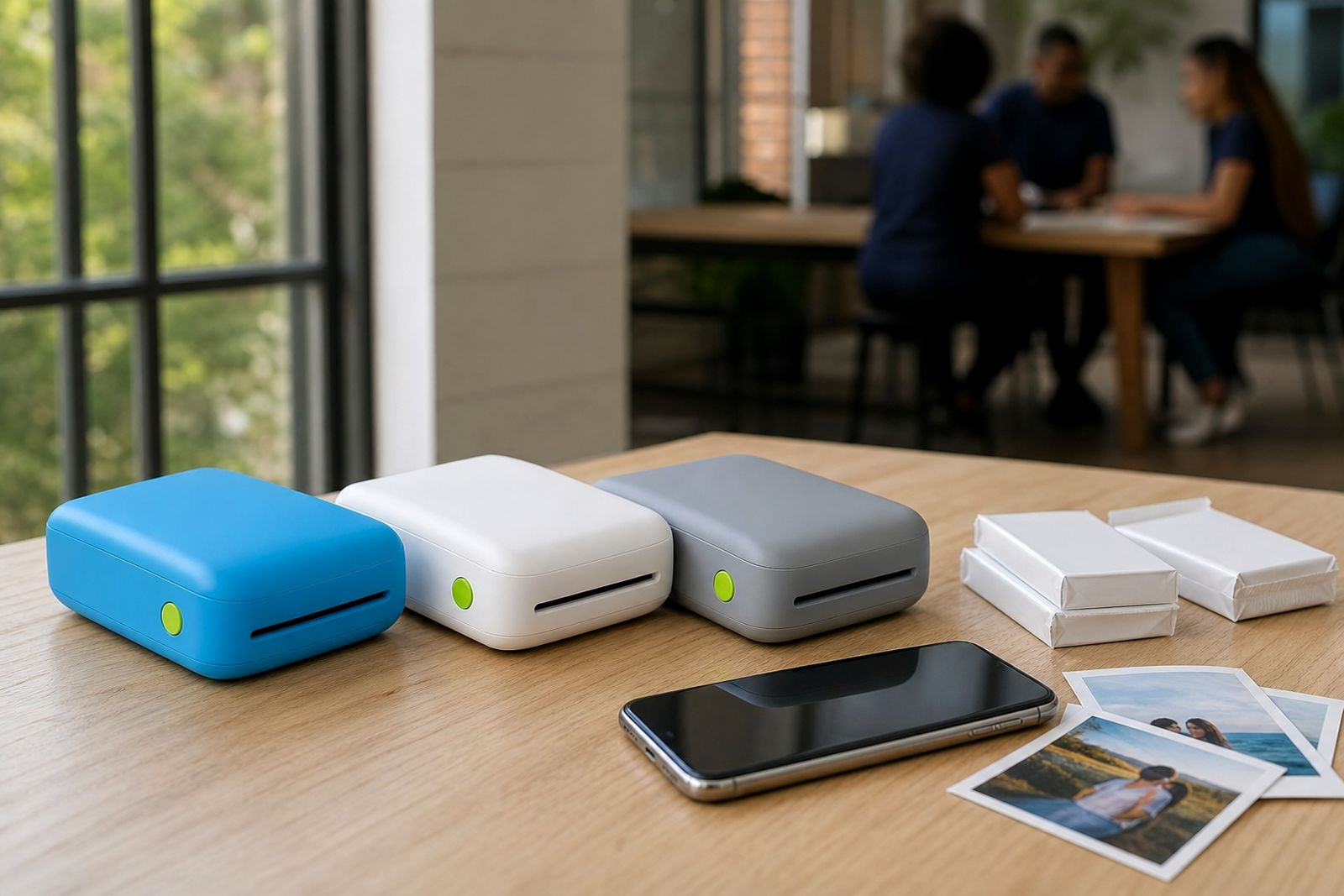
Snapshot pocket printers are made for quick, small photo prints straight from your smartphone. They suit everyday moments, party tables, school projects and memory books without taking up much space in a bag.
What a snapshot pocket printer is
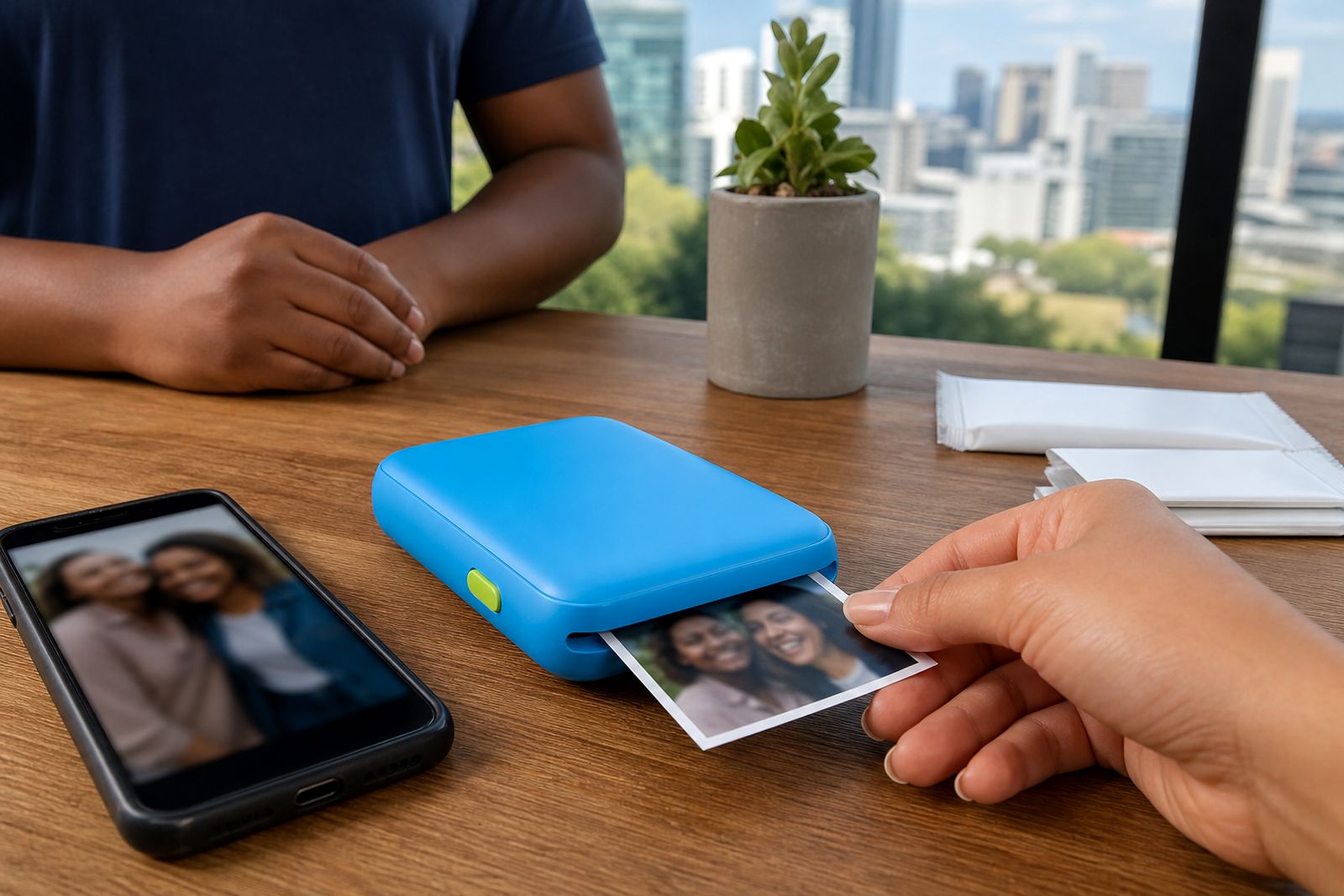
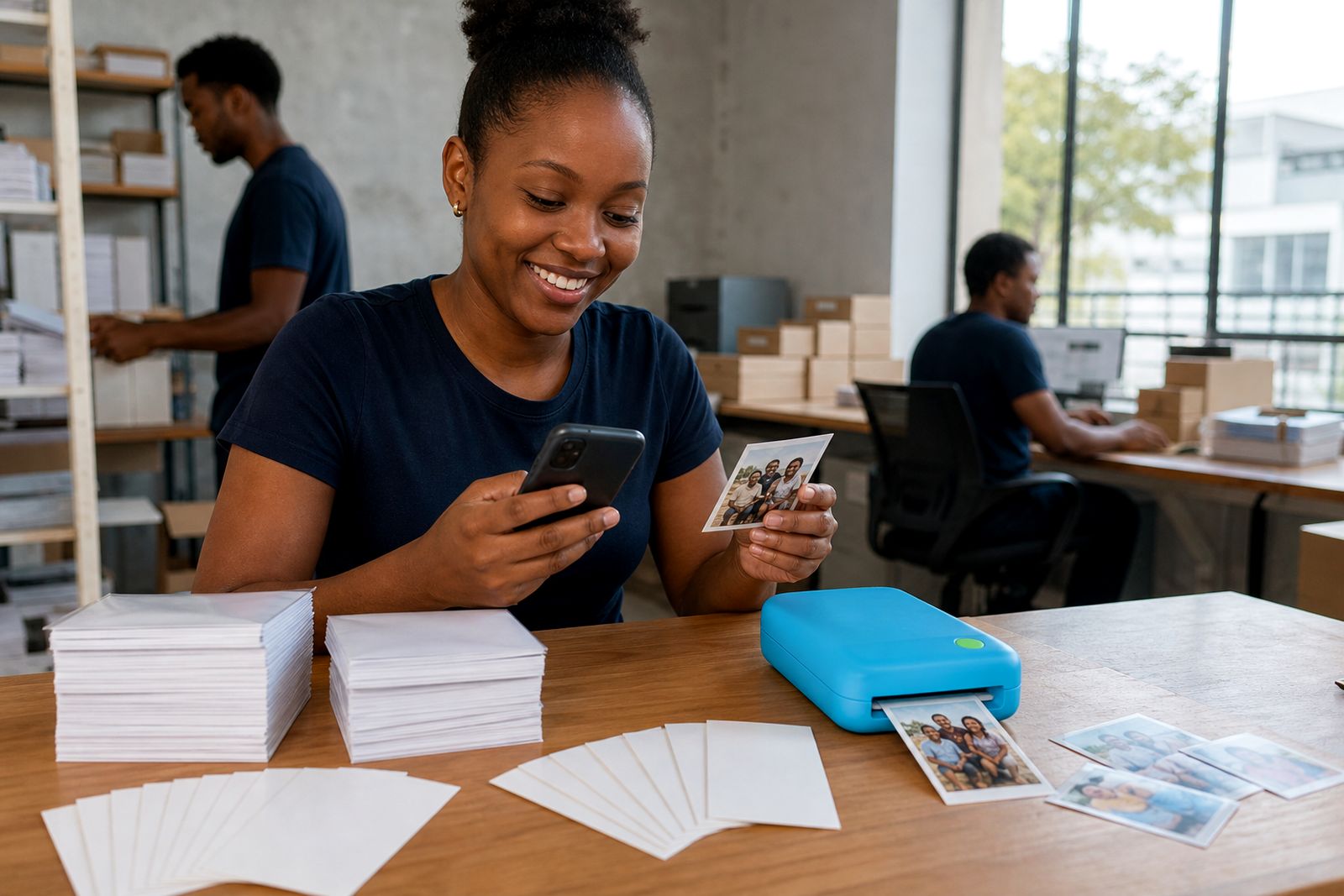
A snapshot pocket printer is a compact unit that connects to a smartphone over Bluetooth, usually through a simple mobile app, and prints small photos one at a time. It is meant for personal use and light creative use rather than high-volume output. Most people choose this type when they want a quick print for a wallet, journal, school book, gift tag or fridge door without going to a print shop.
These printers are popular with families, scrapbookers, teachers, wedding guests and small creatives because they are easy to carry and simple to use at home, in the car or at an event venue. They also work well during load-shedding because they run from an internal rechargeable battery, so you are not tied to a wall plug for every print.
- Prints from a smartphone photo gallery or camera roll
- Compact enough for handbags, backpacks and travel cases
- Suitable for quick keepsakes, labels, journals and memory boards
- Best for occasional and moderate personal printing, not bulk jobs
Print sizes and working limits
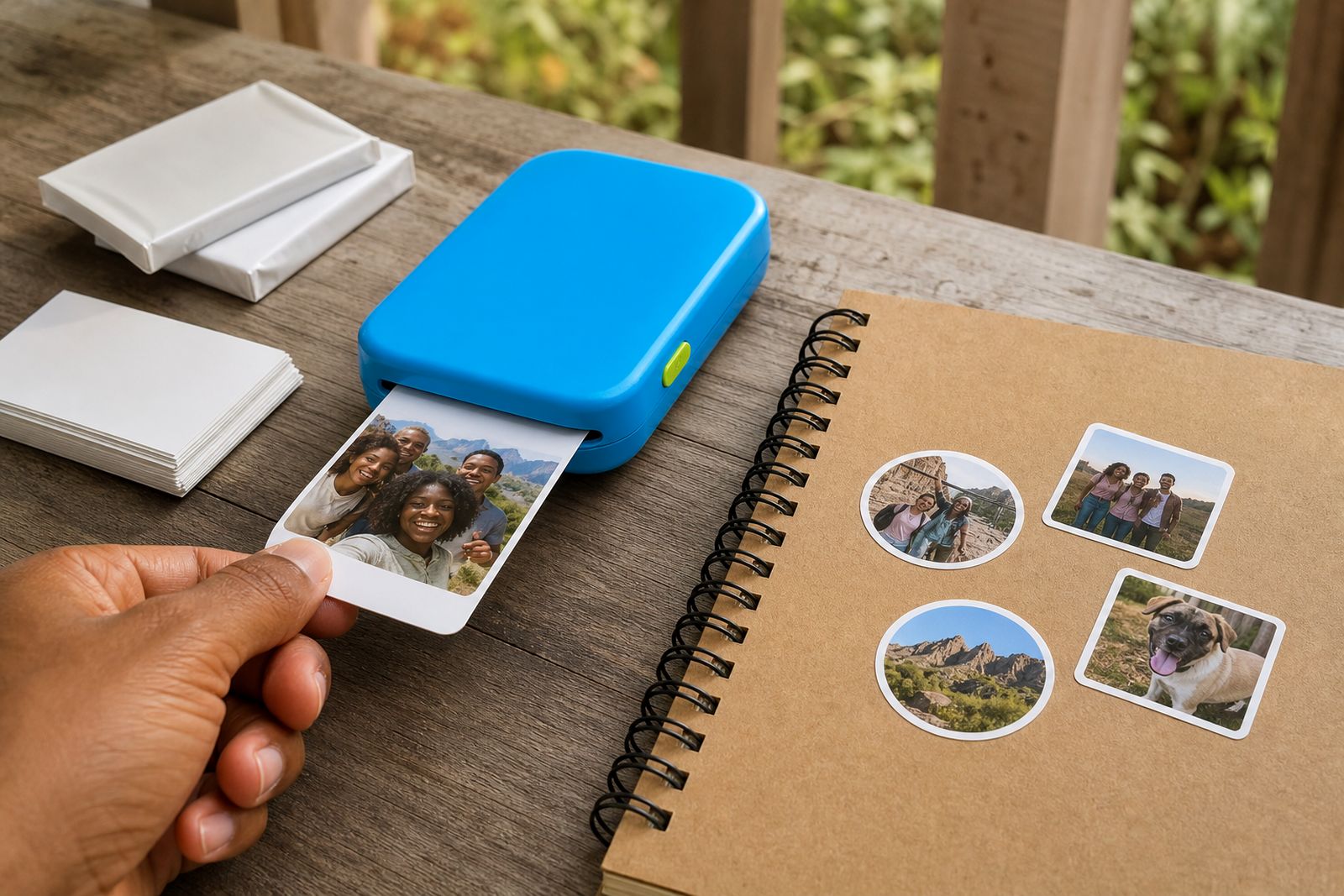
Snapshot pocket printers usually produce small photo formats that fit naturally into wallets, mini frames, journals and compact albums. Depending on the printer type, you may choose a standard photo-only format or a version that can also use adhesive-backed paper for stickers. The printable area is small, so image choice matters. Close-up portraits, pets, food shots and simple scenes generally come out better than wide landscapes with many tiny details.
Because the print size is limited, these printers are not the right fit for posters, A4 handouts, event signage or large collage panels. They are also not intended for continuous runs of many dozens of prints in one sitting. If the image on the phone is very dark, heavily cropped or low resolution, the result can look flat or soft. A bit of editing before printing often helps a lot, even if the change is small.
- Typical print use: wallet photos, mini albums, journals and fridge displays
- Some models support plain photo paper only
- Some models support photo sticker paper as well
- Best results come from clear, well-lit smartphone images
- Not suitable for large format printing or commercial production
Where snapshot printers suit best
These printers suit social and family settings where people want a physical photo in minutes. At weddings and parties, guests can print a selfie and add it to a guest book. In classrooms, teachers can use small prints for reward charts, visual projects and storytelling. At home, parents often use them for lunchbox notes, memory walls and birthday albums. Small creatives use them for packaging inserts, mood boards and sample visuals.
They are also handy for travel around South Africa because they do not need much space and can be charged before leaving home. A family staying on the coast may appreciate that they can print holiday memories on the same trip, while someone in Gauteng may keep one in a drawer and use it for weekends only. It is a practical little unit, but it does have limits and works best when expectations match the size.
Where it does not suit is where exact colour matching, bigger prints or high daily volumes are needed. If you need formal event print stations, large photo packs or printing services from supplied files, that is outside our scope.
Setup and what you need on site
Setup is straightforward. The printer needs a charged battery, compatible paper loaded correctly and a smartphone with Bluetooth switched on. In most cases the app guides the connection and lets you crop, brighten or frame the picture before printing. We help customers choose a printer type and understand the basic connection steps before they order, which saves time later.
For home or event use, the site needs are minimal. You need a clean, dry surface to rest the printer on while loading paper, plus a charging cable or power bank if you plan to print for longer sessions. In humid coastal areas such as Durban, Gqeberha or Cape Town, keeping paper sealed until use helps prevent curl or feeding issues. If you are using the printer at a function, it is worth keeping it away from direct sun and drink spills. A stable setup makes a diference.
- Smartphone with Bluetooth and enough battery charge
- Compatible photo paper or sticker paper for the chosen printer type
- Clean, dry area for loading paper
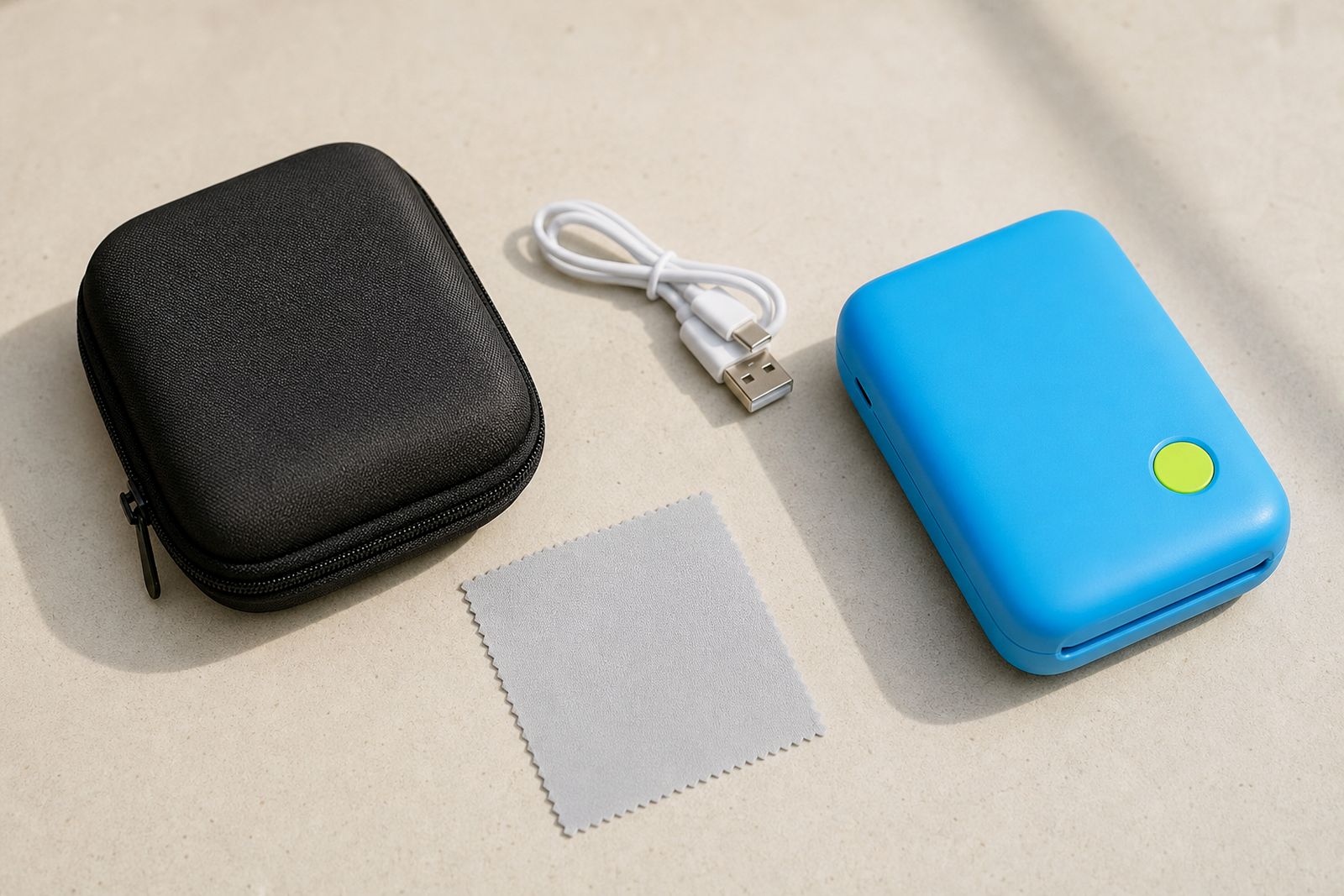
- Charging cable, adaptor or power bank for longer use
- Basic app permissions for photos and Bluetooth
Care, handling and paper storage
Good care makes a noticeable difference to print quality. Keep the printer in a case when travelling, especially if it lives in a tote bag or car cubby. Avoid dust, beach sand and loose crumbs near the paper path. Store paper packs flat and sealed, away from heat and damp. This matters in summer and in coastal humidity where paper can pick up moisture faster than expected.
It also helps to print regularly rather than leaving the unit unused for long periods with paper half loaded. Wipe the outside with a soft dry cloth only, and avoid household cleaners. If the printer uses special calibration or feed cards, keep them with the paper pack and follow the paper loading direction carefully. Small mistakes here can cause jams, skew prints or faded output.
- Store paper in its packet until needed
- Charge the battery before events or travel
- Keep the unit out of direct heat inside parked cars
- Use only the paper type made for that printer system
- Carry a spare pack if guests will be printing at a party
What to tell us when you enquire
When you contact us through the enquiry form, a few practical details help us point you to the right snapshot printer quickly. Tell us whether the printer is mainly for family photos, journalling, school use, scrapbooking, weddings or small creative work. Let us know if you want standard photo prints only, or if sticker paper matters as well. It is also useful to mention whether one person will use it or if several people will connect their phones at events.
Please also tell us where you are based, whether in Sandton, elsewhere in Johannesburg, or another province, and whether you need matching extras such as paper packs, cases or chargers. If your phone has had Bluetooth pairing issues before, mention that too so we can advise on setup. We do not offer printing services, large format printing or repairs of other brands, but we do help customers choose the right unit and get started properly.
- Your main use: family, school, events, journalling or creative projects
- Whether you want photo-only or photo plus sticker options
- How many people will connect to the printer
- Your province or town for courier planning
- Any accessories you want included with the enquiry
What our Pocket Photo Printers customers say
Verified Google reviews
Questions we get asked
Can a snapshot pocket printer print without Wi-Fi?
Yes. These printers normally connect directly to a smartphone over Bluetooth, so Wi-Fi is not usually required for basic printing.
Are snapshot printers good for wedding guest books?
Yes, they work well for guest books and party tables where people want small keepsake prints on the spot. It helps to have extra paper and a fully charged unit ready.
Do all snapshot printers print stickers as well as photos?
No. Some models are photo-only, while others can also use sticker paper. Tell us what you need and we will guide you to the right option.
Also worth a look
Tell us about the job
Send sizes, materials and where you are through our contact form, and we will come back with the practical options.
Open the contact form