Sticker pocket printers
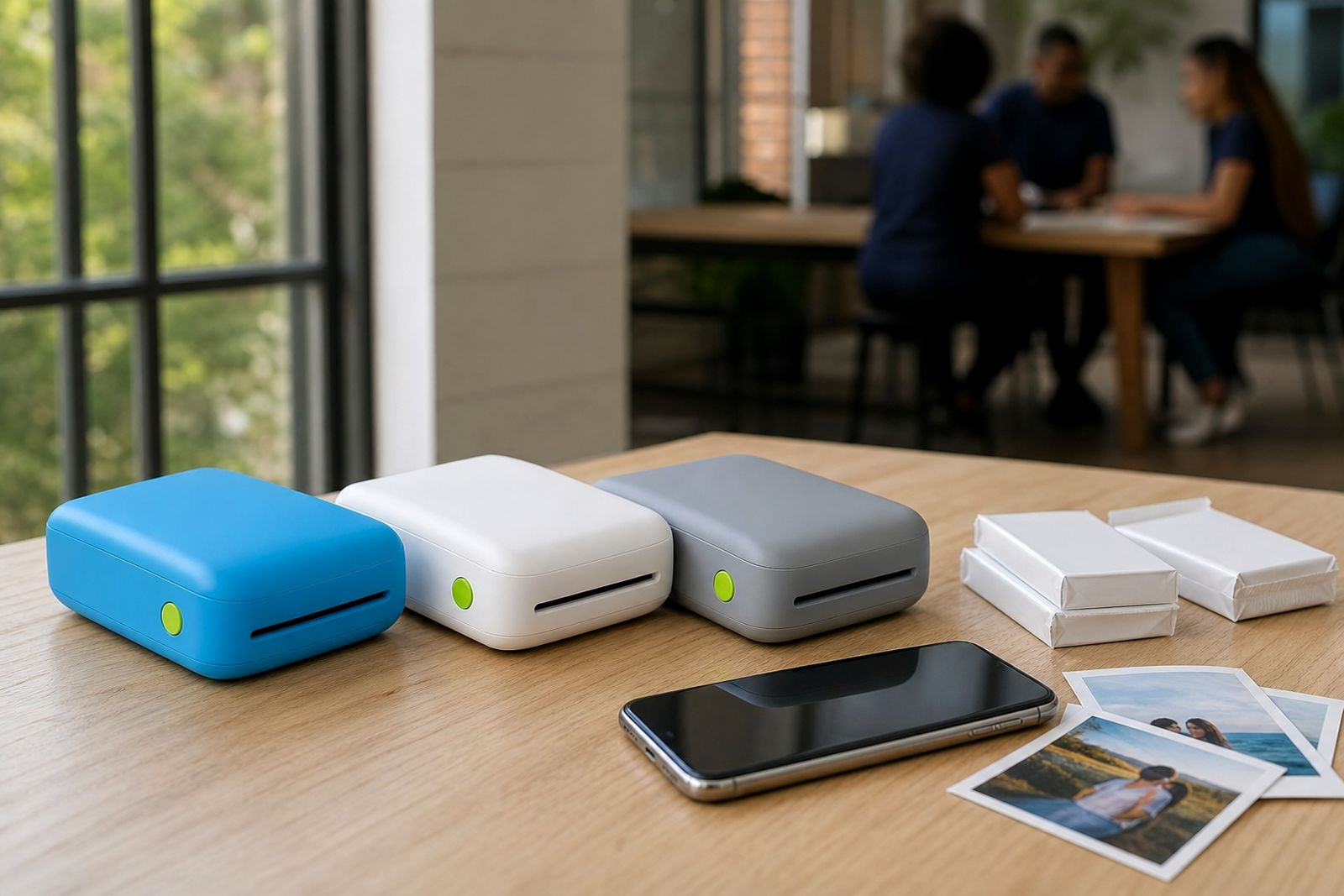
Sticker pocket printers let you print small photos from your smartphone and peel them straight onto everyday surfaces. They suit gifts, journals, party keepsakes and quick labels where you want a photo look without glue or tape.
What a sticker pocket printer does
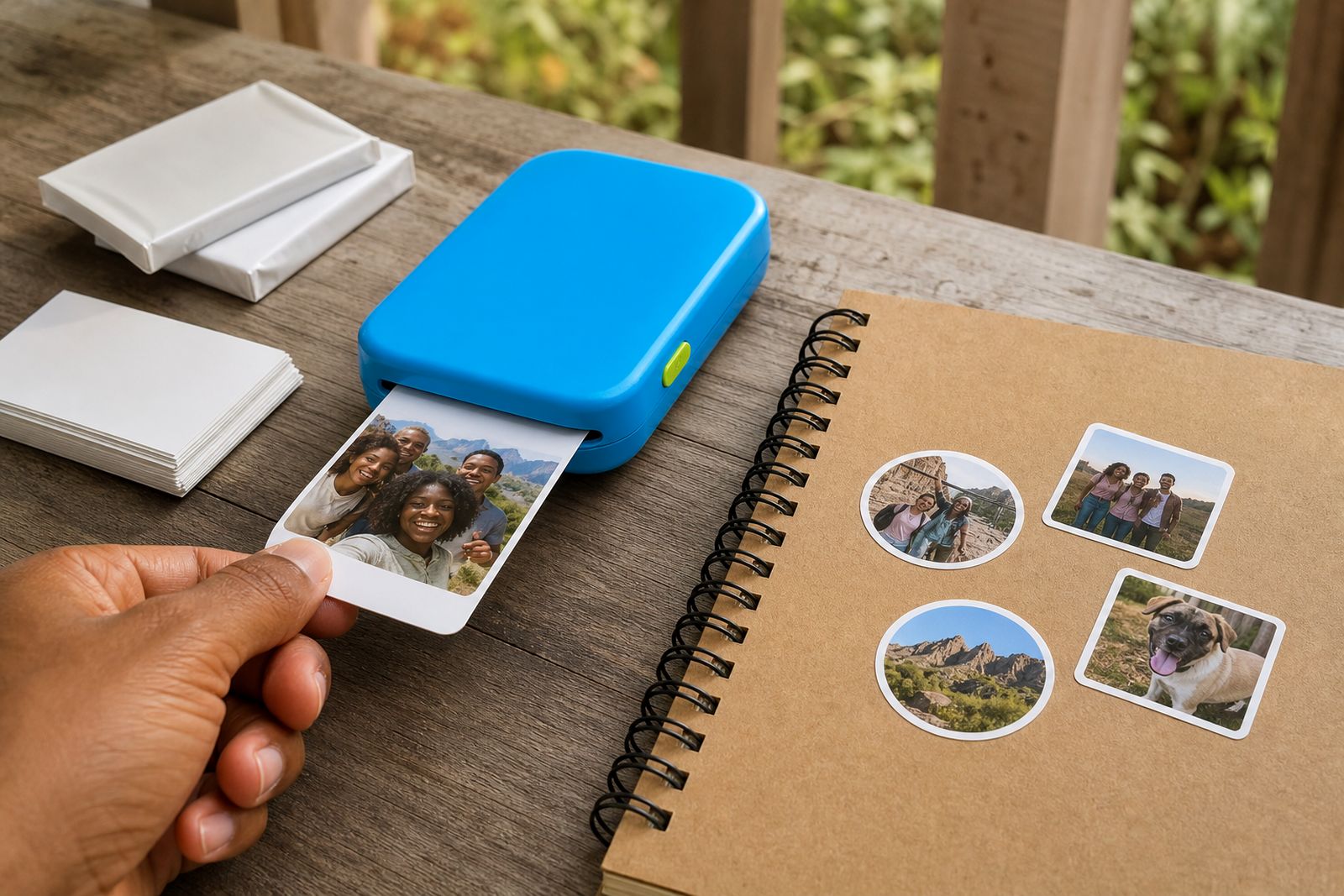
A sticker pocket printer is a compact handheld photo printer that works with a smartphone over Bluetooth or a companion app. Instead of plain photo paper, it uses adhesive-backed media so each print can be peeled and applied to a smooth surface. That makes it popular with scrapbookers, teachers, students, wedding guests and anyone who wants a quick printed memory without carrying scissors, glue or extra tools.
These units are made for small-format personal printing, not for shop signage, office document output or large event runs. The print area is usually suited to snapshots, captions, mini collages and simple labels. If you are in Sandton or elsewhere in South Africa, we can help you choose a size and paper type that matches the way you actually use it, rather than selling a unit that feels too limited after the first week.
Sizes, options and working limits
Most sticker pocket printers fall into a small print-width category, typically around the size of a credit card or a narrow label strip. Some are best for full-colour mini photos, while others are better for simple black-and-white notes, planner tabs or sketch-style prints. The main choice is between photo-style adhesive prints and narrower sticker outputs for lists, captions and journaling.
- Mini photo sticker format: good for selfies, family moments, party tables, travel journals and bottle labels.
- Narrow sticker format: better for planners, school books, storage labels and name tags.
- Ink-free media options: convenient for light carry use, with no cartridges to fit.
- Adhesive photo paper packs: better when colour and image detail matter most.
Working limits are important. These printers are not meant for large posters, A4 documents, fine art reproduction or outdoor labels exposed to full weather. Adhesive prints stick best to clean, dry, smooth surfaces. They may not hold properly on dusty plastic, textured cooler boxes, curved bottles with condensation, or rough painted walls. If you want long-term outdoor labelling or waterproof industrial marking, this is not the right category.
Where sticker prints work best
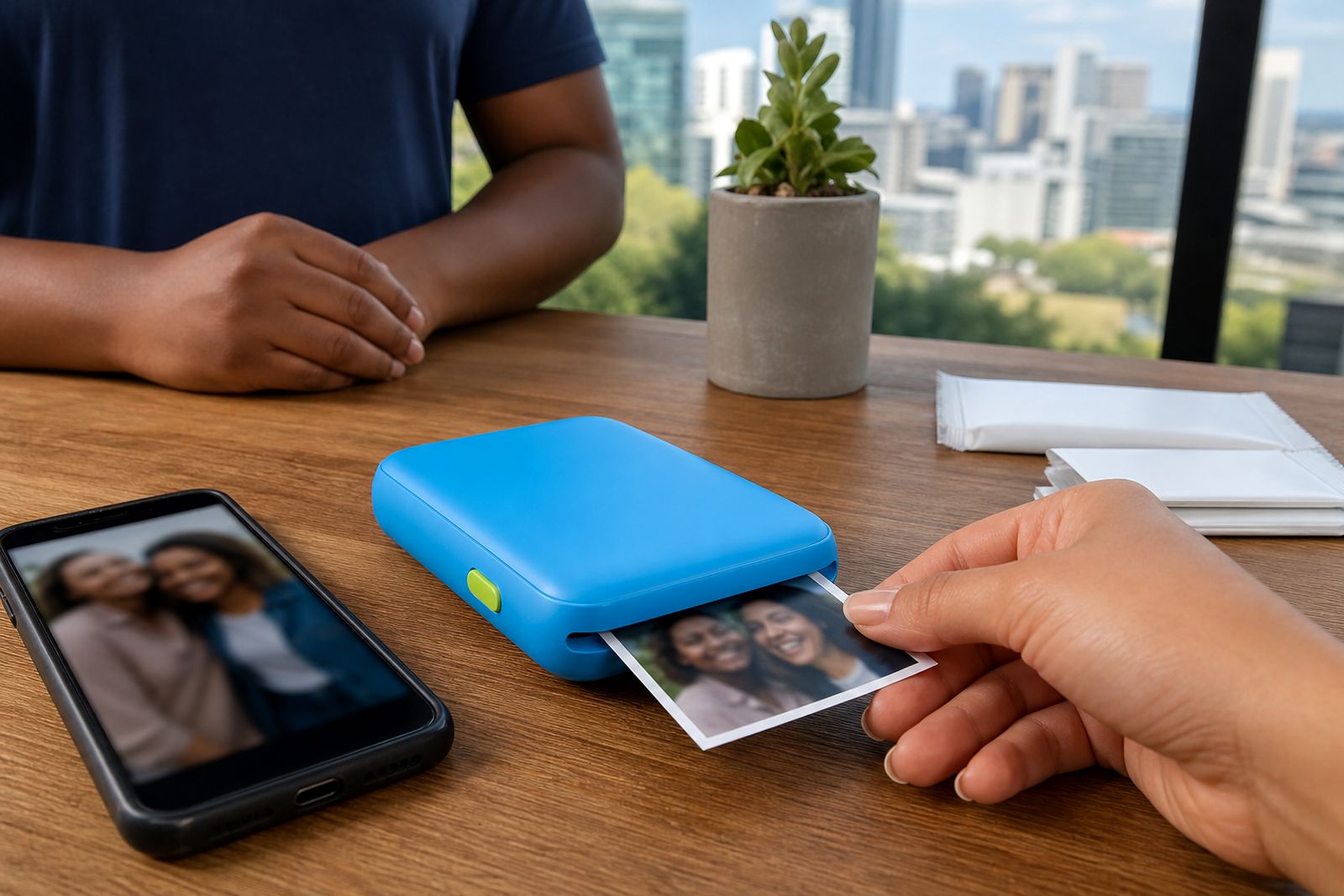
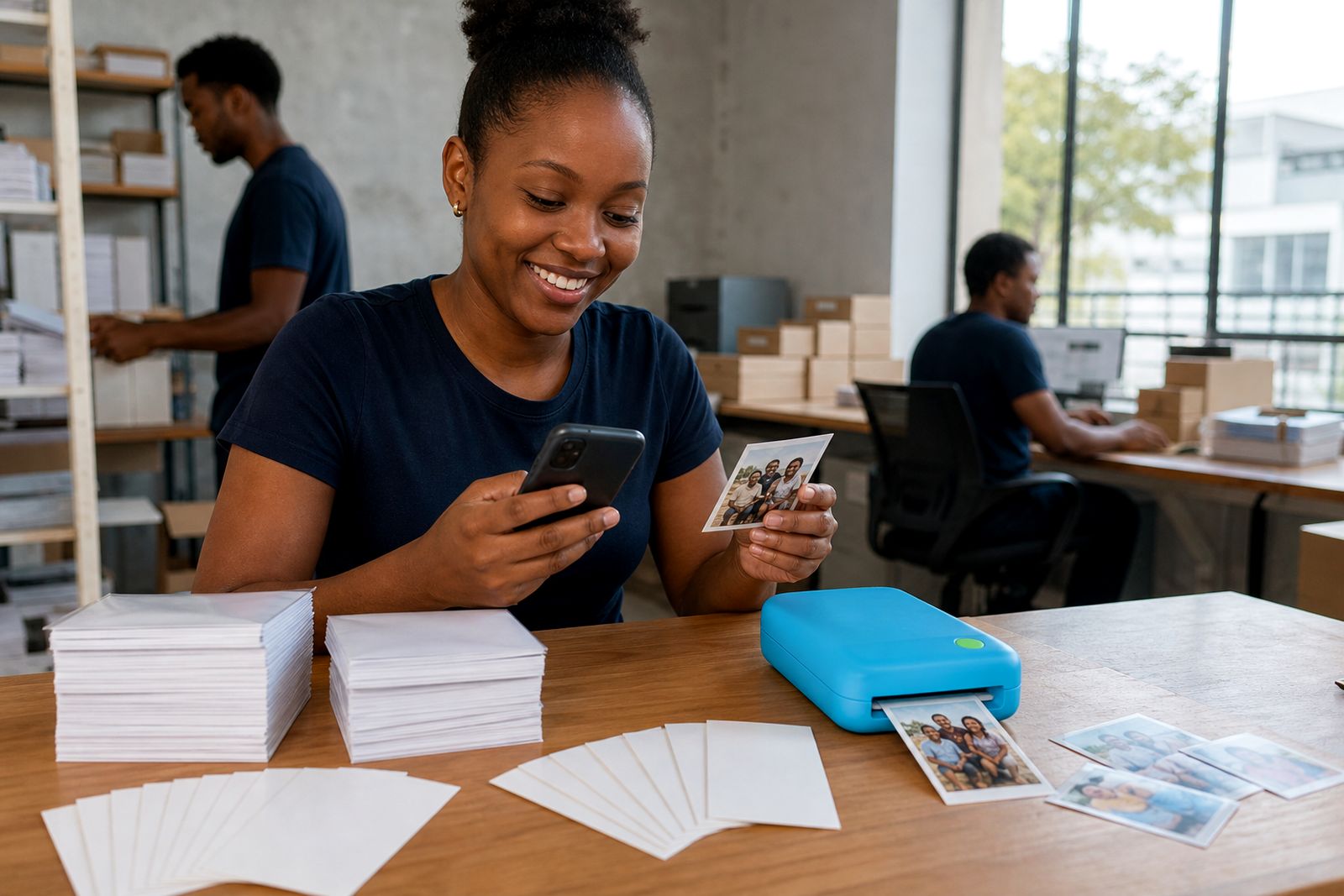
Sticker pocket printers are at their best when the job is fun, personal and immediate. You take the photo on your phone, adjust it in the app, print, peel and stick. For parties and family gatherings during load-shedding, that speed matters because you can work from a charged phone and a charged printer without needing a full workstation.
- Laptops and tablet covers with smooth finishes
- Water bottles and tumblers used indoors
- Planners, diaries and revision books
- Scrapbooks, memory albums and journals
- Wedding guest books and party favour tables
- Classroom rewards, project books and display cards
They are less suited to freezer use, wet cooler lids, car exteriors, direct sun for long periods or municipal signage where specific material rules apply. For school projects and home crafts they work very well, but for official safety labels or public notices you should rather use purpose-made durable signage material.
Phone connection and what you need on site
These printers are simple to use, but they still need a few basics to work properly. Your phone must support Bluetooth and have enough battery power for pairing, image handling and printing. You also need the correct app installed and permission settings enabled. On some phones, a print issue is caused by Bluetooth restrictions, storage permissions or battery saving mode rather than the printer itself.
At home, at a venue or in a classroom, there is no special installation. You need a flat place to load paper, decent lighting so you can align the sheets properly and a clean pouch or case to keep dust out of the media path. In coastal humidity, keep sealed paper packs closed until use because moisture can affect feed quality and sticker adhesion. If you are preparing for a function, charge both the phone and printer first, as low battery can interrupt a print halfway through.
- A compatible smartphone with Bluetooth switched on
- The relevant printing app loaded and updated
- Correct paper type matched to the printer
- A charged printer and charging cable or power bank
- A clean, dry area to peel and apply stickers
Care, storage and better results
Small printers travel easily, but they last better when handled like electronics and not tossed loose into a tote bag with keys and pens. Keep the paper path free of dust, store media flat and avoid forcing sheets if they are not aligned. Before sticking a print down, wipe the surface so you do not trap grit under the adhesive.
For the best result, use bright clear photos from your phone rather than dark screenshots or heavily compressed images. Mini prints naturally show less detail than a larger photo, so simple compositions tend to look better. Skin tones, sunsets and pets usually print nicely if the source image is sharp, but very deep shadows can lose detail. Thats normal on a small print format.
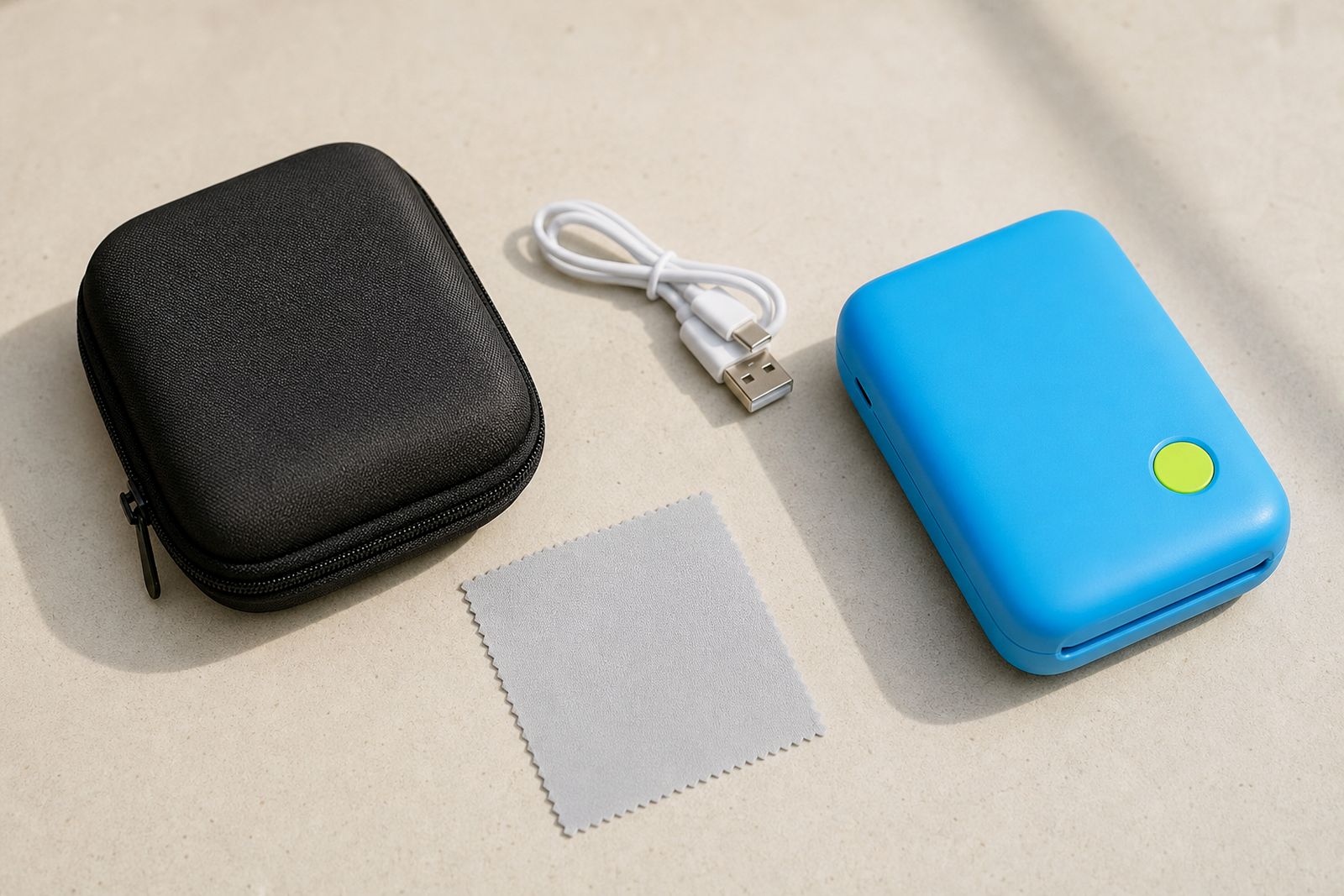
If a sticker is going onto a bottle or flask, apply it to a dry section away from constant rubbing or washing. For planners and journals, smooth it down from one side to reduce bubbles. Cases and chargers also help if you carry the printer to venues, schools or weekend trips around Gauteng.
What to tell us when you enquire
We help customers compare sticker printer types, paper options and setup needs before they order. The more detail you send through the enquiry form, the easier it is to point you to the right unit and accessories. We supply across every province by courier, and we can also guide first-time users who are unsure whether they need sticker paper, photo paper or both.
- Whether you want colour photo stickers or simpler label-style prints
- The main use: planner, scrapbook, wedding table, gifts, classroom or travel
- How many people will use the printer
- Your phone type and any past Bluetooth pairing problems
- Whether you need extra paper packs, a case or a charger
- If the printer will be used mostly at home, at events or while travelling
Please also mention if you do not want ordinary photo prints and only need peel-and-stick output. We do not offer printing services, large format work or repairs for other brands, so it helps to keep the enquiry focused on choosing the right new sticker pocket printer and consumables.
What our Pocket Photo Printers customers say
Verified Google reviews
Questions we get asked
Will the stickers stay on a water bottle?
They can stick well on a smooth dry bottle, but they are not meant for constant soaking, scrubbing or outdoor abuse. For best results, apply to a clean dry surface and avoid heavy rubbing.
Can I print from any phone?
Most current smartphones can connect, provided Bluetooth is available and the required app can be installed. When you enquire, tell us your phone type so we can help you check compatibility and setup.
Is a sticker pocket printer right for school projects and scrapbooks?
Yes, that is one of the most common uses. It works especially well for mini photos, captions, labels and quick memory pages, but not for large posters or detailed document printing.
Also worth a look
Tell us about the job
Send sizes, materials and where you are through our contact form, and we will come back with the practical options.
Open the contact form