

Pocket prints at weddings and parties
A pocket photo printer can turn a quick phone snap into a take-home keepsake before the music ends. For weddings, birthdays and family functions, that simple print often becomes the item guests keep long after the decor is packed away.
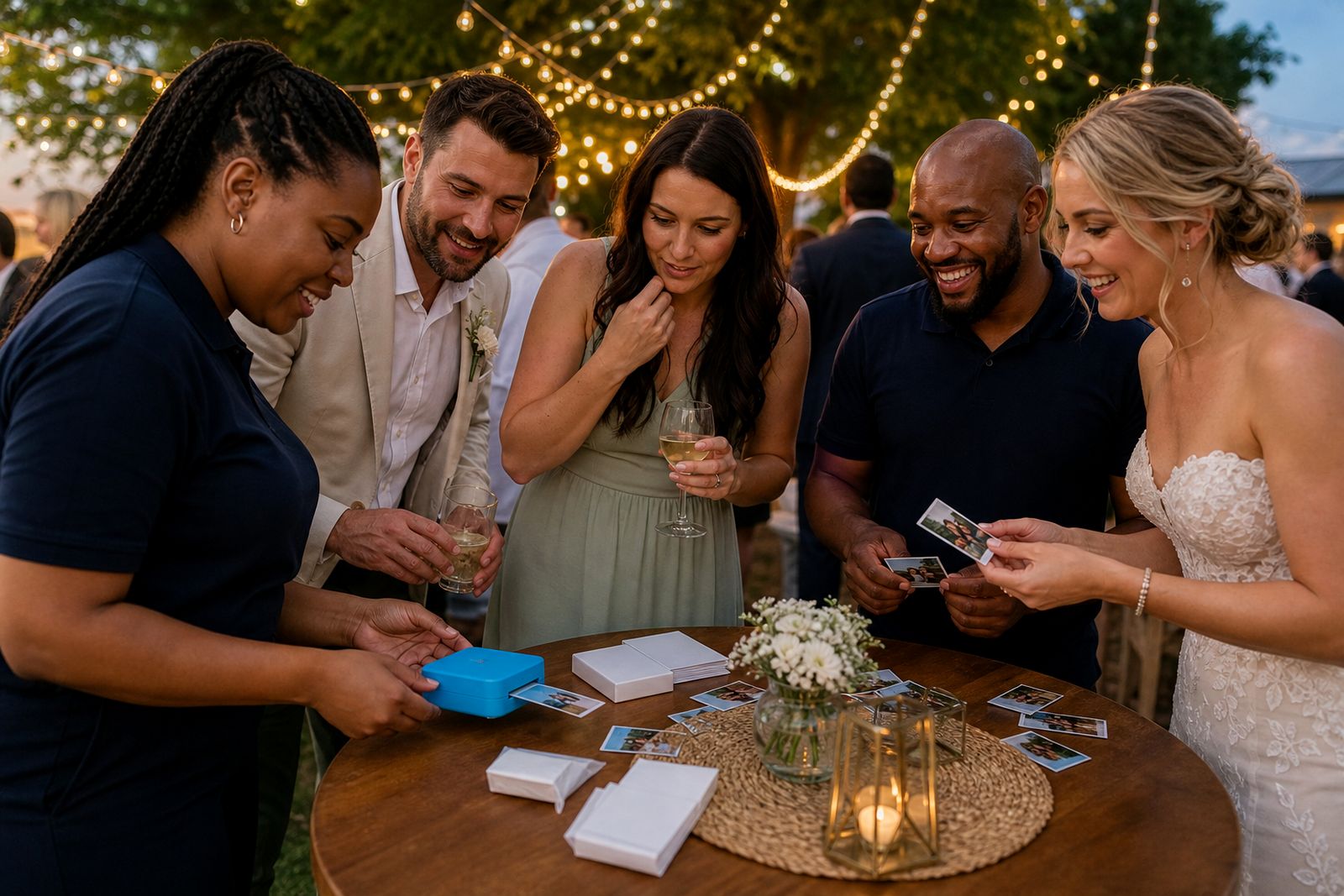
Why instant pocket prints work so well at events
At a wedding or party, most photos stay trapped on phones. A pocket photo printer changes that by giving people something they can hold, sign, stick into a guest book or tuck into a wallet the same night. That matters because the memory feels real straight away, not weeks later when everyone has forgotten to share albums.
For South African events, this format is practical too. You do not need a full print station, a large table or special power points. A compact printer, charged phone and the right paper are often enough for a small guest activity that keeps people busy between the ceremony and the meal, or while the host is greeting family.
- Guests get a printed keepsake before they leave.
- Hosts can create a guest book with photos and handwritten notes.
- Kids and teens usually understand the process quickly.
- Small venues and home functions can still offer a photo moment.
Good moments to print during the day or night
The best event printing does not happen all day nonstop. It works better when you choose one or two clear moments. At weddings, many couples set it up after the ceremony when guests are waiting for the reception to start. At birthdays, it often works best after food when people are relaxed and taking group photos.
You can also use it as part of a specific activity. Some hosts ask each guest to print one photo for a message board. Others keep sticker prints near the gift table so friends can label envelopes, jars or memory cards. If your event runs through load-shedding hours, plan your printing around fully charged devices and avoid relying on extension leads where people are walking.
- After the ceremony while the couple is busy with formal photos.
- At the welcome drinks area.
- Next to the guest book or memory table.
- Near the dance floor later in the evening for fun group shots.
- At kitchen teas, baby showers and milestone birthdays for casual snapshots.
Setting up a simple print corner that people actually use
The biggest mistake is making the printer too hidden or too complicated. Keep the print corner visible and close to where guests naturally gather. A small side table near the guest book, gift area or drinks station usually works better than a separate room. Put the printer on a steady surface, keep spare paper within reach and have one person show the first few guests how it works.
Try not to overdo the setup. A compact mirror, a frame, a sign with two or three steps and a pen for notes are usually enough. If the event is outdoors in Johannesburg summer weather, keep the printer out of direct sun and away from dust. At coastal venues, especially in humid areas, paper should stay sealed until needed so it does not curl or pick up moisture.
- Choose a shaded, stable spot with enough elbow room.
- Keep the phone and printer within easy Bluetooth range.
- Store paper packs flat and clean.
- Use a bin nearby for backing strips and empty wrappers.
- Assign one helper if older relatives are likely to need a hand.
Choosing between photo prints and sticker prints
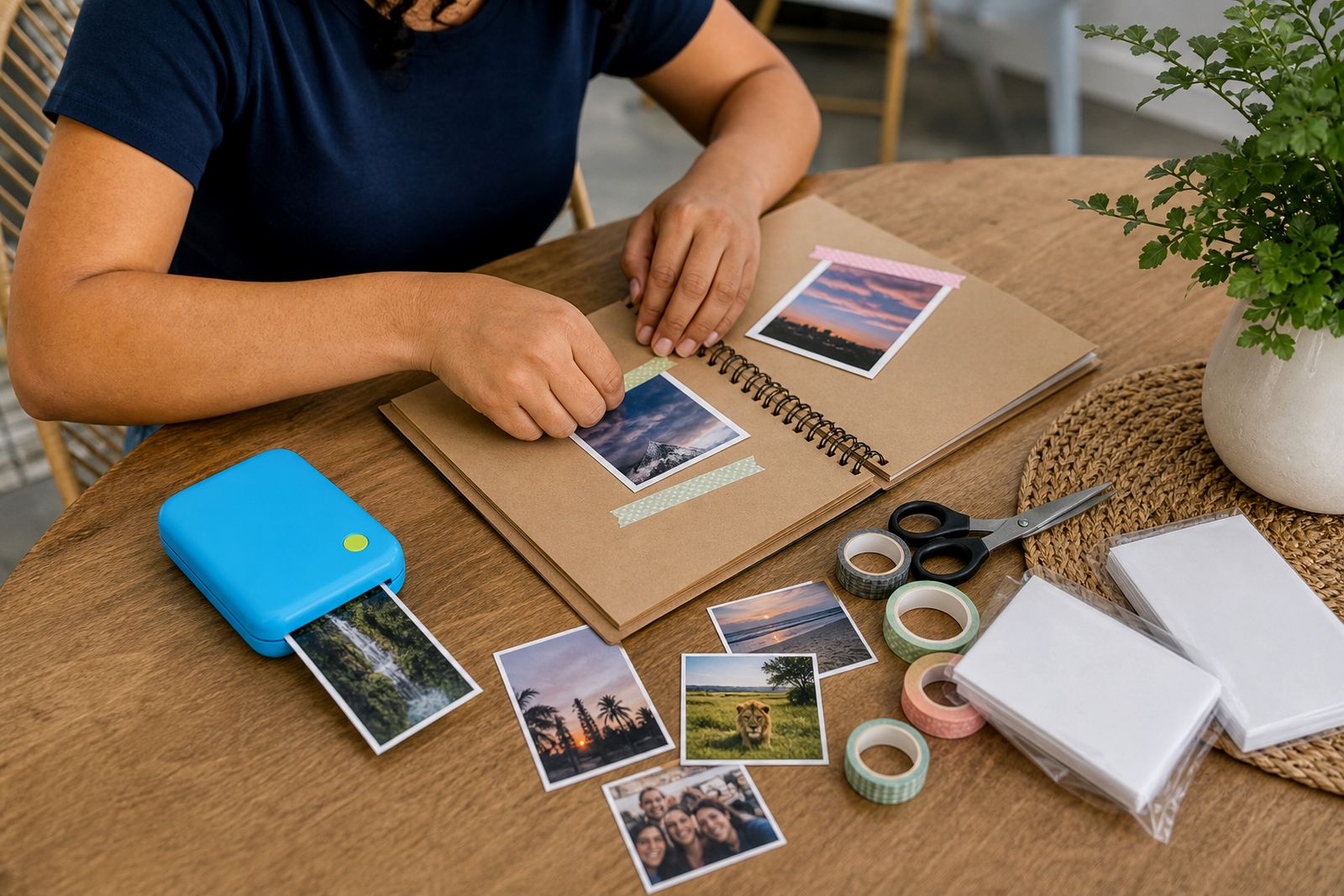
The right type of pocket printer depends on what guests must do with the print afterwards. Standard photo prints suit thank-you boards, fridge keepsakes and small frames. Sticker prints are better where guests need to attach photos quickly to cards, journals or guest books without searching for glue.
Families often prefer regular photo paper for birthdays and reunions because the print can be passed around and taken home loose. Creatives, teachers and scrapbookers usually like sticker paper because it turns the event into an activity. For weddings, both can work well: standard prints for favours and sticker prints for the guest message station. If you are unsure, we normally suggest thinking first about the final use, not just the printer size.
It also helps to consider the style of photos your guests will take. Phone snaps in low light can still print nicely at pocket size, but bright daylight and simple backgrounds usually give the cleanest result. A little planning goes a long way, even if the setup is very small.
A practical workshop example from Sandton
One of the common event setups we discuss from our Sandton base is a Gauteng wedding where the couple wanted guests to leave with a print on the night, without hiring a full booth. The venue had limited plug points near the reception area, so the plan centred on a charged pocket printer, a phone with the app already paired, and sealed paper packs ready for the operator to reload quickly.
The print corner was placed beside the guest book rather than at the entrance. That avoided a queue during arrival and gave people time to take better photos after they had settled in. During the pre-dinner drinks, the operator showed close family how to send a photo from the phone and collect the print. After that, the process carried itself with only light supervision.
A few simple choices made the difference. The host used one print for the guest book and one for the guest to keep, but only for selected group shots so paper did not run out too fast. The table had pens, a small sign and a container for extra backing strips. Because the event ran into a load-shedding slot the charger was kept ready in case the phone needed a top-up, but the printer itself was already fully charged and managed the session well. It was neat, compact and didnt take over the room.
How to avoid the common problems
Most event issues are easy to prevent. Slow printing usually comes from too many people trying to connect at once, so it is often better to use one host phone or one helper phone instead of asking every guest to pair individually. Poor print quality is usually a lighting problem from the original photo, not the printer itself. A bright corner and one step closer to the subject often fixes it.
Paper handling matters more than people think. Keep packs closed until needed and avoid leaving them near food steam, open windows or damp evening air. If children are printing, let an adult handle paper loading. For venues with strict rules, check in advance whether self-adhesive prints may be used on walls, mirrors or furniture. Many halls and estates are fine with guest books and albums, but not with sticking items directly onto venue property.
- Pair the phone before guests arrive.
- Charge the printer and phone fully.
- Test a sample print at home or at the venue before the event starts.
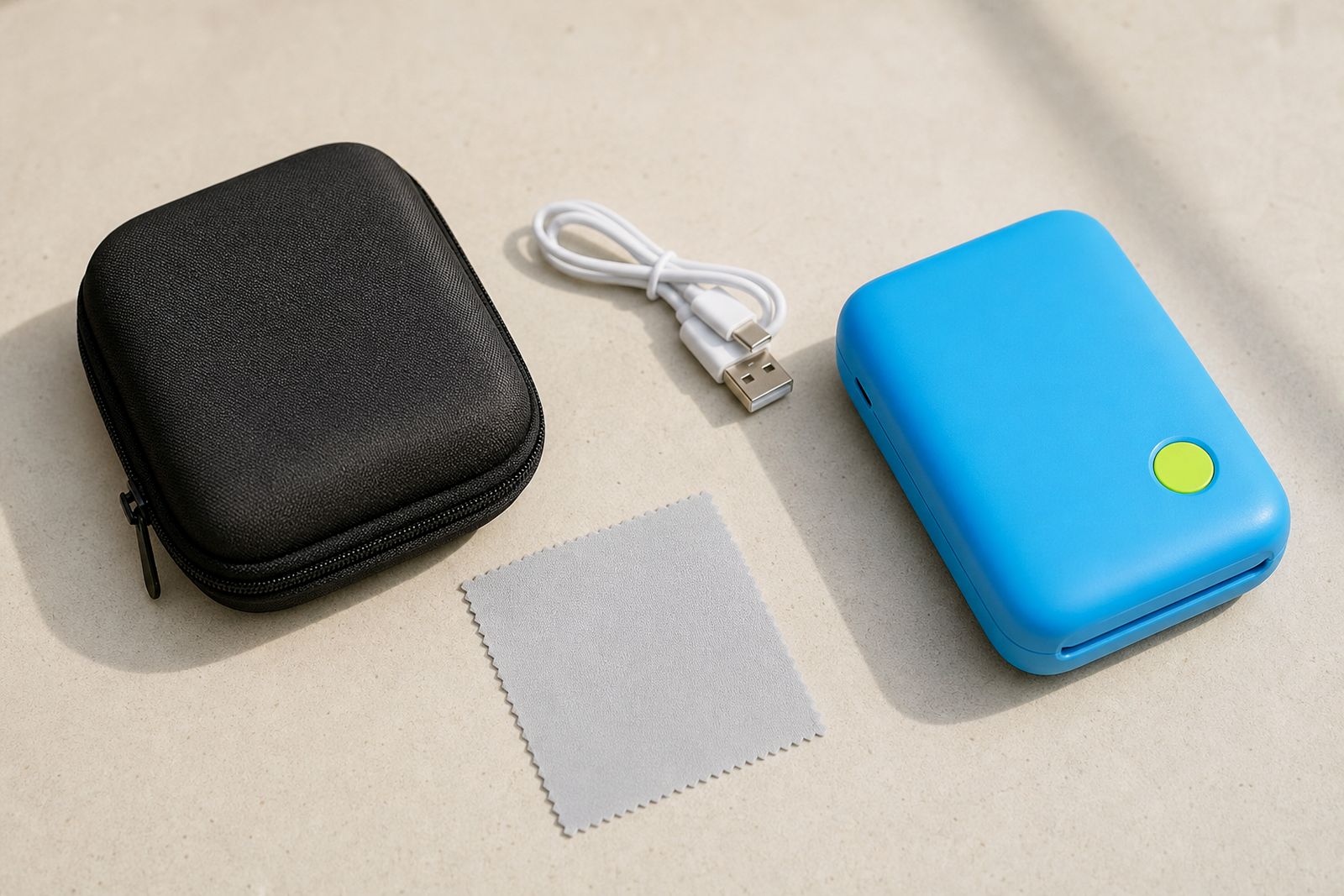
- Keep spare paper, a charger and a clean cloth nearby.
- Use a guest book, album or board so prints have a clear purpose.
If you are choosing a printer for an upcoming function, we can help you compare photo and sticker options and explain what accessories are worth having from the start.
What our Pocket Photo Printers customers say
Verified Google reviews
Questions we get asked
Can a pocket photo printer be used at a wedding without a full photo booth?
Yes. Many couples use a pocket photo printer on a small table near the guest book or drinks area. It works well where space is limited and guests are taking photos on their own phones.
Is sticker paper better than normal photo paper for parties?
Sticker paper is ideal if guests will add prints to a guest book, scrapbook or message card. Normal photo paper is better when the print is mainly a small keepsake to take home.
Do you help with choosing the right printer for an event?
Yes. We help customers choose between pocket printer types, paper options and useful extras such as cases and chargers, and we can guide you on setting up the phone connection before the event.
Also worth a look
Tell us about the job
Send sizes, materials and where you are through our contact form, and we will come back with the practical options.
Open the contact form