Photo paper packs
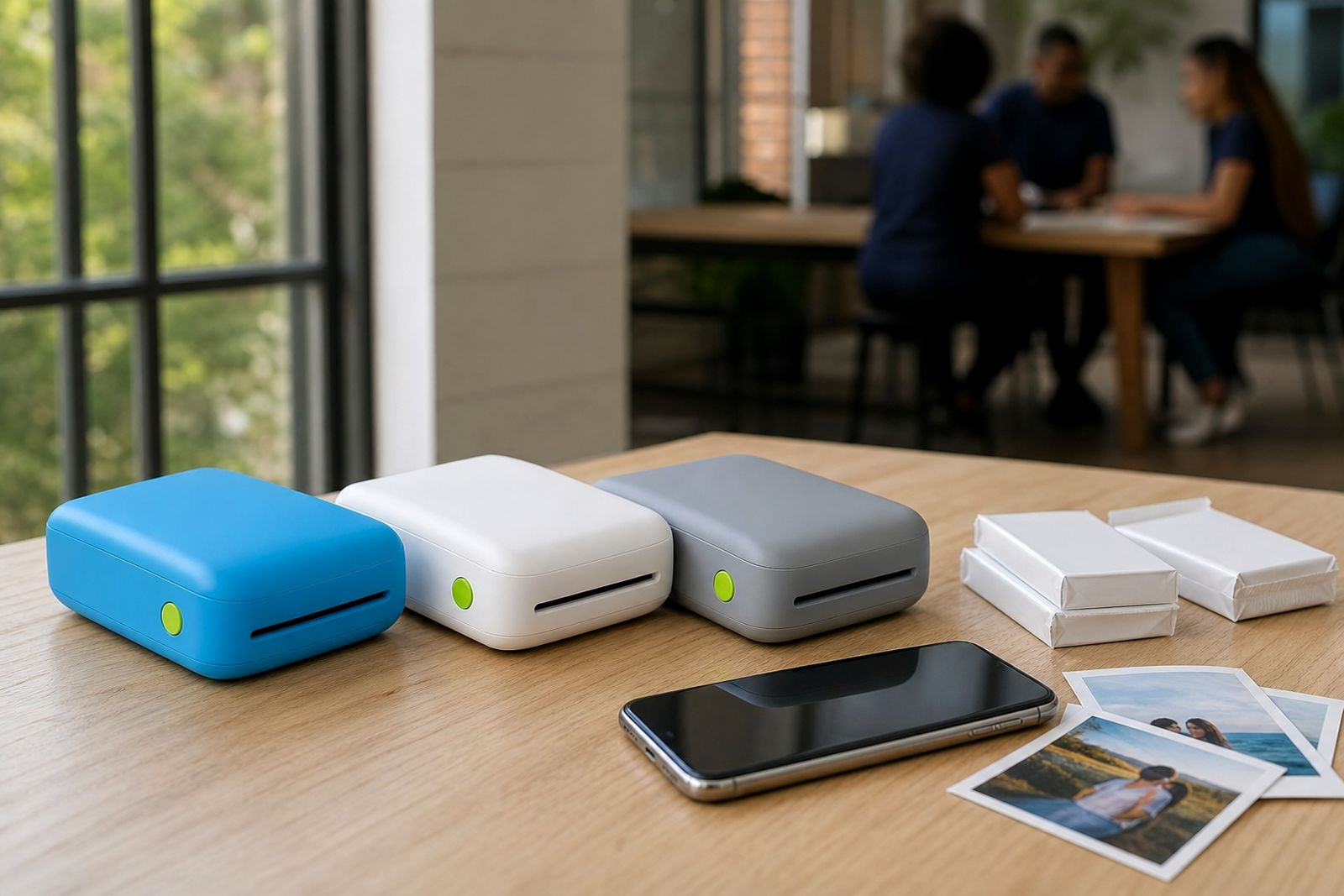
Our photo paper packs are made for pocket printers that connect to a smartphone and produce small, neat prints wherever you are. Choose glossy or matte finishes for albums, journals, party favours and everyday keepsakes.
What photo paper packs are for
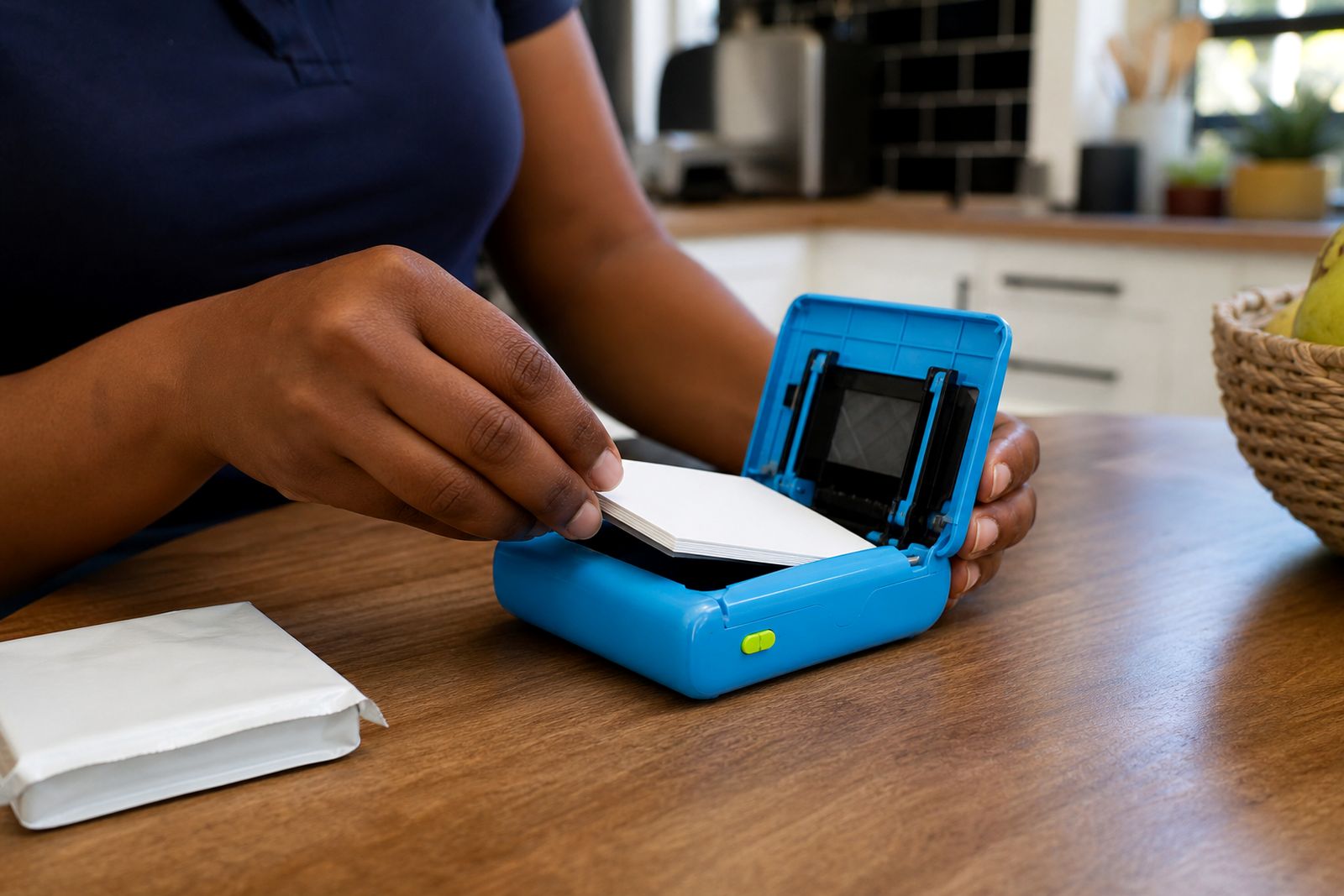
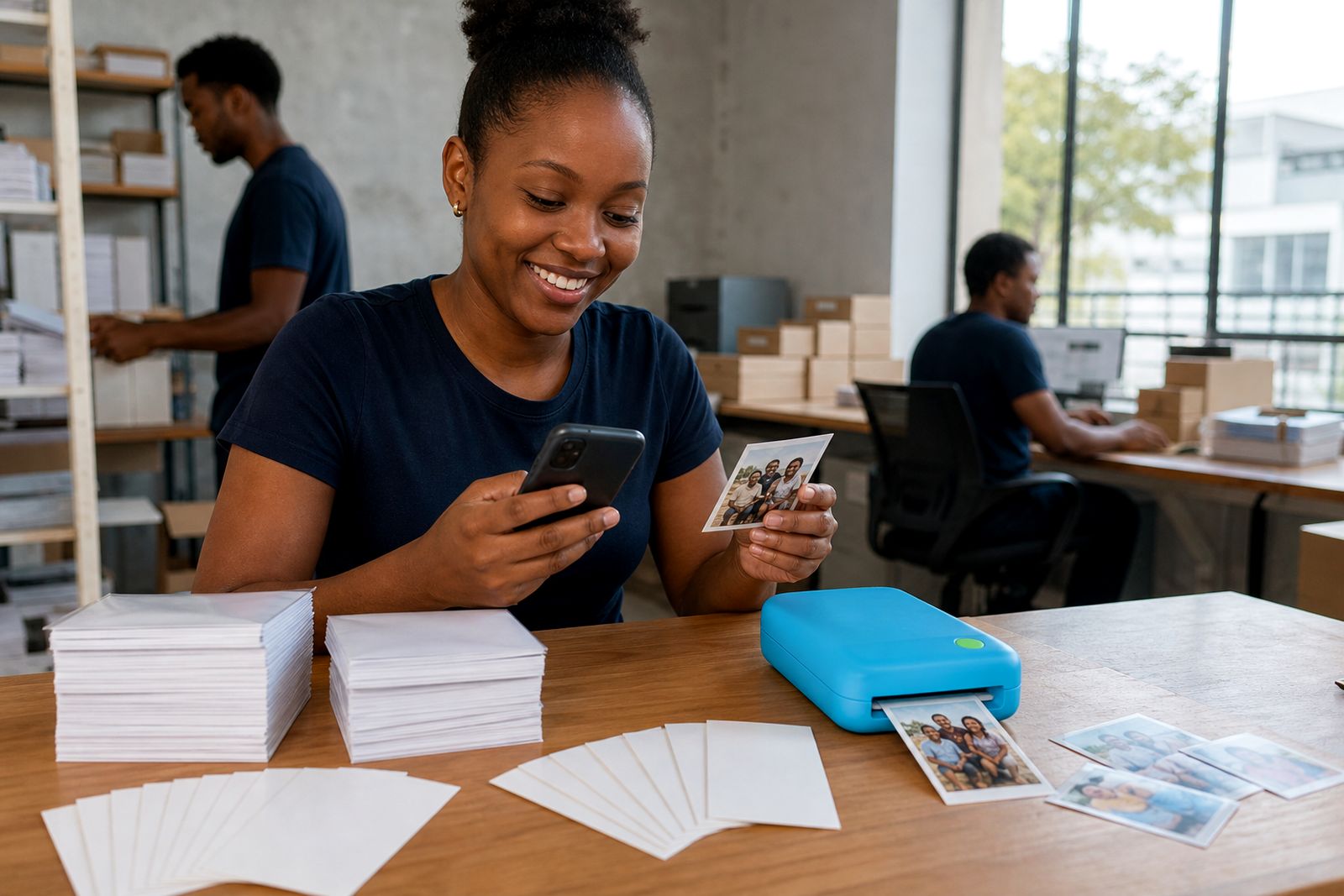
Photo paper packs are refill media for pocket photo printers that print directly from a smartphone over Bluetooth or through a companion app. The sheets are pre-cut to suit compact printers, so you do not trim them down by hand and you do not load large A4 or craft paper into the machine. That keeps feeding more reliable and helps the printer place each image squarely on the page.
These packs suit people who want quick personal prints at home, at a party, in a classroom or while travelling between venues in Sandton and wider Johannesburg. They are a good fit for family memory books, journals, event guest books, lunchbox notes, mini gallery walls and small creative projects. They are not meant for posters, framed enlargements, shop signage or formal photographic lab work.
- Made for pocket photo printers that accept small-format sheets
- Used for smartphone photos, notes, labels and mini keepsakes
- Available in finishes that change the look and feel of the print
- Best for light portable use rather than bulk production
Sizes, finishes and working limits
Most pocket printer paper packs fall into a small format range, commonly around 50 x 76 mm or 57 x 86 mm depending on the printer type. Some packs print edge to edge, while others keep a slim white border. Glossy paper gives stronger colour and a classic photo look. Matte paper cuts glare and is easier to write on with a pen or marker, which makes it handy for school projects, captions and date labels.
Working limits matter. Pocket printers are built for small personal prints, not long print runs or heavy office use. If you need dozens of identical handouts, larger size photos, or weatherproof outdoor prints this is not the right media. Print quality also depends on the original image from your phone. Dark screenshots, heavily compressed social media images and low-light photos can print softer than expected, even on good paper.
- Typical paper sizes for pocket printers: about 50 x 76 mm and 57 x 86 mm
- Finish options: glossy for punchier colour, matte for lower glare
- Best results from clear, well-lit smartphone images
- Not suitable for banners, wall posters or large album pages
Where photo paper packs suit best
Glossy packs are often chosen for family snapshots, party tables, travel memories and gift inserts because colours look brighter and blacks appear deeper. Matte packs suit journals, scrapbooks, teaching aids and planning boards where you may want to write under the image or stick it onto textured pages. If you live in a humid coastal area, matte can also be easier to handle because fingerprints show less on the surface.
These packs are especially useful for weddings and parties where guests print and share small photos on the spot, and for scrapbookers who want a stack of matching mini prints ready to use. They are less suited to situations where the print will sit in direct sun, near steam, or in a car for long periods. Pocket prints are keepsakes first, not hard-wearing outdoor labels.
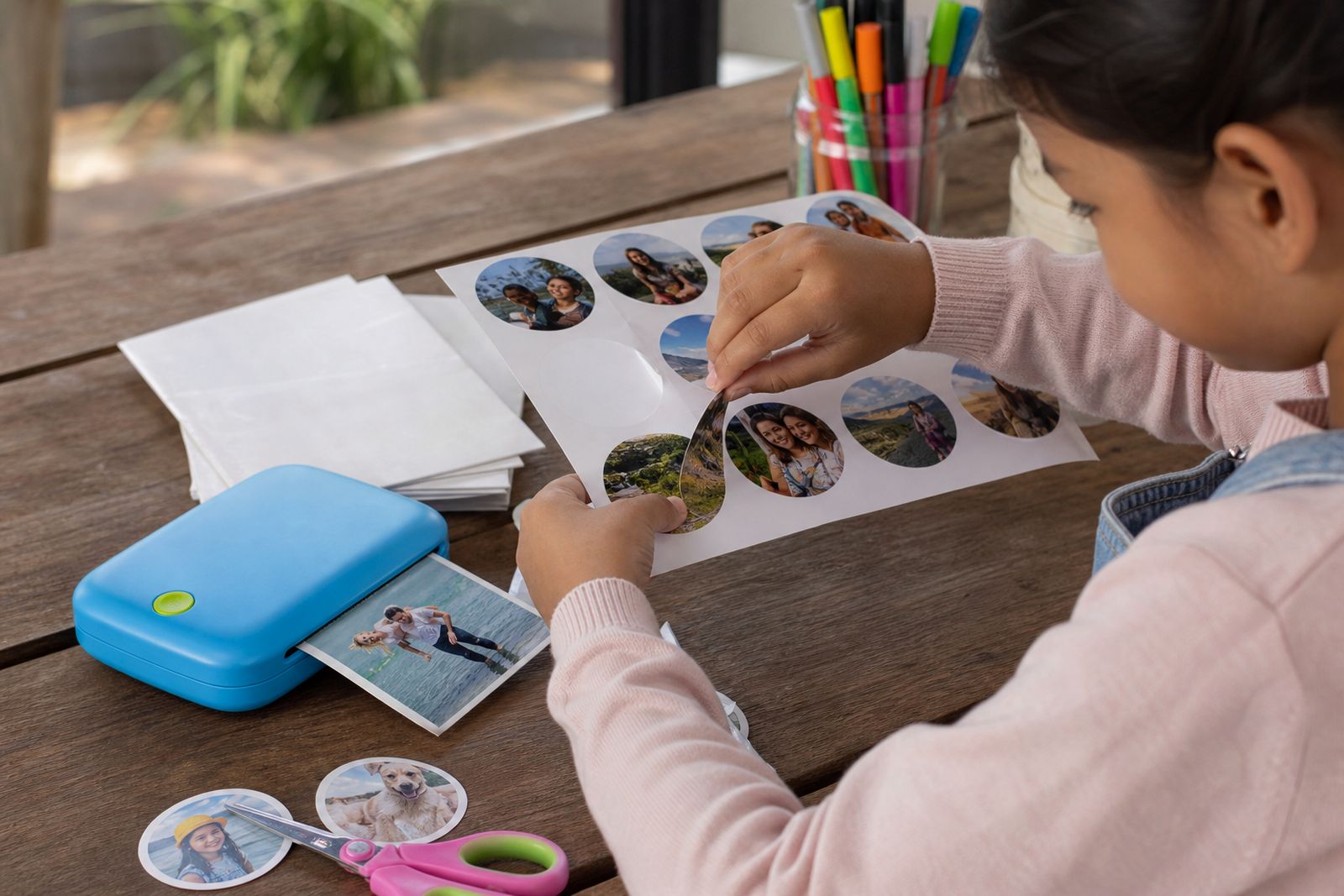
If you need adhesive-backed media for planners, jars or party favours, that falls under sticker paper rather than standard photo paper. We can help you choose the right type if you are not sure.
Loading and setup needs
Photo paper packs do not need any special installation on site, but they do need to match the printer you already have or the printer you are buying. Pocket printers are model-specific when it comes to sheet width, length and feed method. Some take a short stack in a top-loading tray, while others use a small cassette. The print side and orientation matter too, so it is worth loading the first pack carefully.
For best results, set up on a flat surface away from dust, direct sun and splashes. If you are printing during load-shedding, make sure your printer battery and phone battery are properly charged before you start. Bluetooth setup should be completed first, then confirm the paper setting in the app so the printer knows the correct media type. A mismatched setting can affect colour, contrast or feed accuracy.
- Confirm the pack size matches your pocket printer
- Load sheets in the correct direction as shown in the printer guide
- Use a clean, dry surface when loading paper
- Check your phone app paper setting before printing
Care, storage and everyday handling
Keep unopened packs sealed until you need them. Once opened, store the remaining sheets flat in a cool dry place, away from window light and bathroom humidity. In Gauteng summers, heat inside a car can curl small sheets quite quickly, so do not leave refill packs in a cubbyhole or on a parcel shelf. Handle paper by the edges where possible, especially glossy sheets, because skin oils can mark the surface before printing.
Do not bend, crease or overfill the tray. A pocket printer has a small feed path and even a slight curve can cause a misfeed. If a sheet picks up dust, gently wipe the printer exterior and reload with clean hands rather than trying to scrub the sheet itself. Printed photos should be allowed to settle for a short while before stacking tightly into an album, just to avoid fresh surfaces rubbing together.
For keepsake use, store finished prints in albums, sleeves or drawers rather than in direct sunlight. Like most small personal photo media they will last better when kept cool and dry.
What to tell us when you enquire
When you send an enquiry through our contact page, a few practical details help us point you to the right photo paper pack first time. The main thing is printer compatibility, then the finish and the way you plan to use the prints. If you are buying a printer and paper together, tell us that too and we can suggest a suitable combination.
- Whether you need glossy or matte photo paper
- The paper size your pocket printer uses, if you know it
- Whether your printer takes a tray or cassette
- If the prints are for albums, journals, party use, teaching or gifts
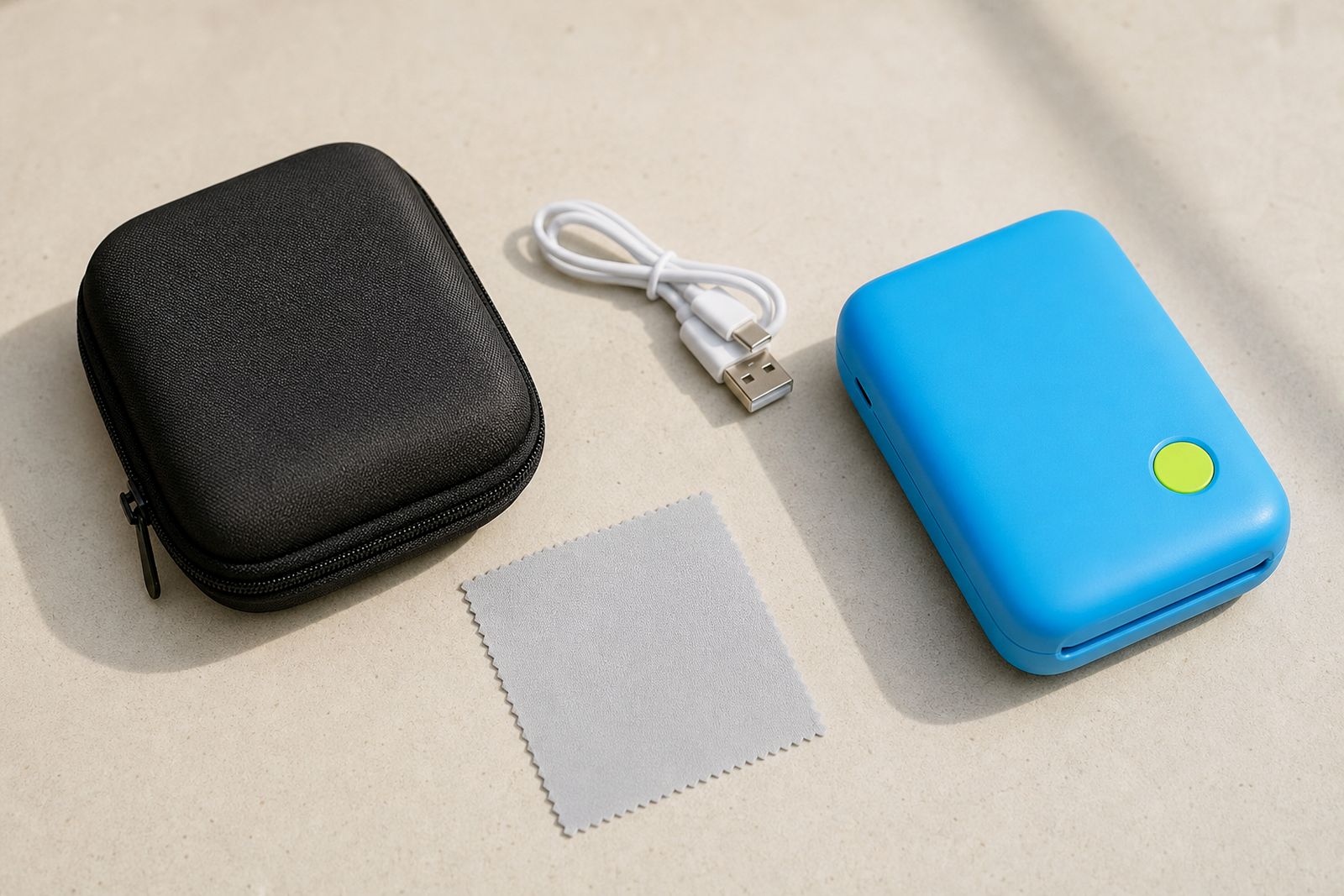
- Whether you also need cases, chargers or frames and albums
- If you want help connecting your phone before your first print
If you are unsure on any of the above that is fine. Tell us what you want to do with the prints and we can help narrow it down without any fuss.
What our Pocket Photo Printers customers say
Verified Google reviews
Questions we get asked
Can I use any small photo paper in a pocket printer?
No. Pocket printers usually need a specific paper size and feed format. Using the wrong sheet can lead to poor alignment, misfeeds or a print that does not start at all.
What is the difference between glossy and matte photo paper?
Glossy gives a brighter, shinier photo look with stronger colour. Matte has less glare and is easier to write on, which suits scrapbooks, labels and classroom use.
Is photo paper the same as sticker paper?
No. Standard photo paper is for normal mini photo prints, while sticker paper has an adhesive backing for planners, jars, favours and crafts. If you need peel-and-stick prints, ask for sticker paper packs.
Also worth a look
Tell us about the job
Send sizes, materials and where you are through our contact form, and we will come back with the practical options.
Open the contact form