

Cases and chargers
A good case keeps your pocket printer clean, packed safely and easy to carry. The right charger means it is ready when guests want a print, whether you are at home, at school or out at an event.
What these accessories are for
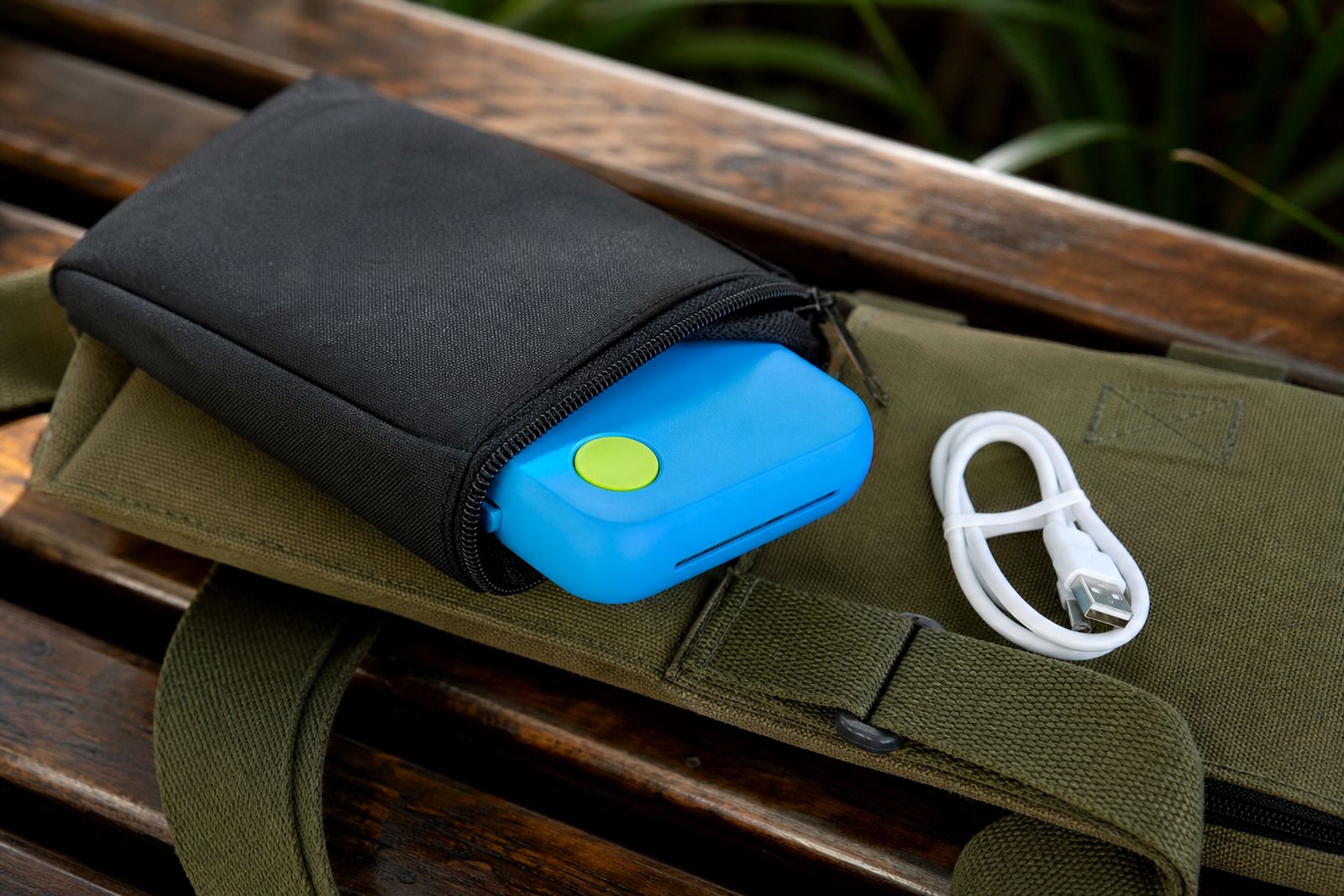
Our cases and chargers are selected for compact pocket photo printers used with smartphones. They are meant to make day to day use simpler: carrying the printer in a handbag or backpack, storing spare paper neatly, and keeping enough charge on hand for casual printing at parties, school projects, journals and family gatherings.
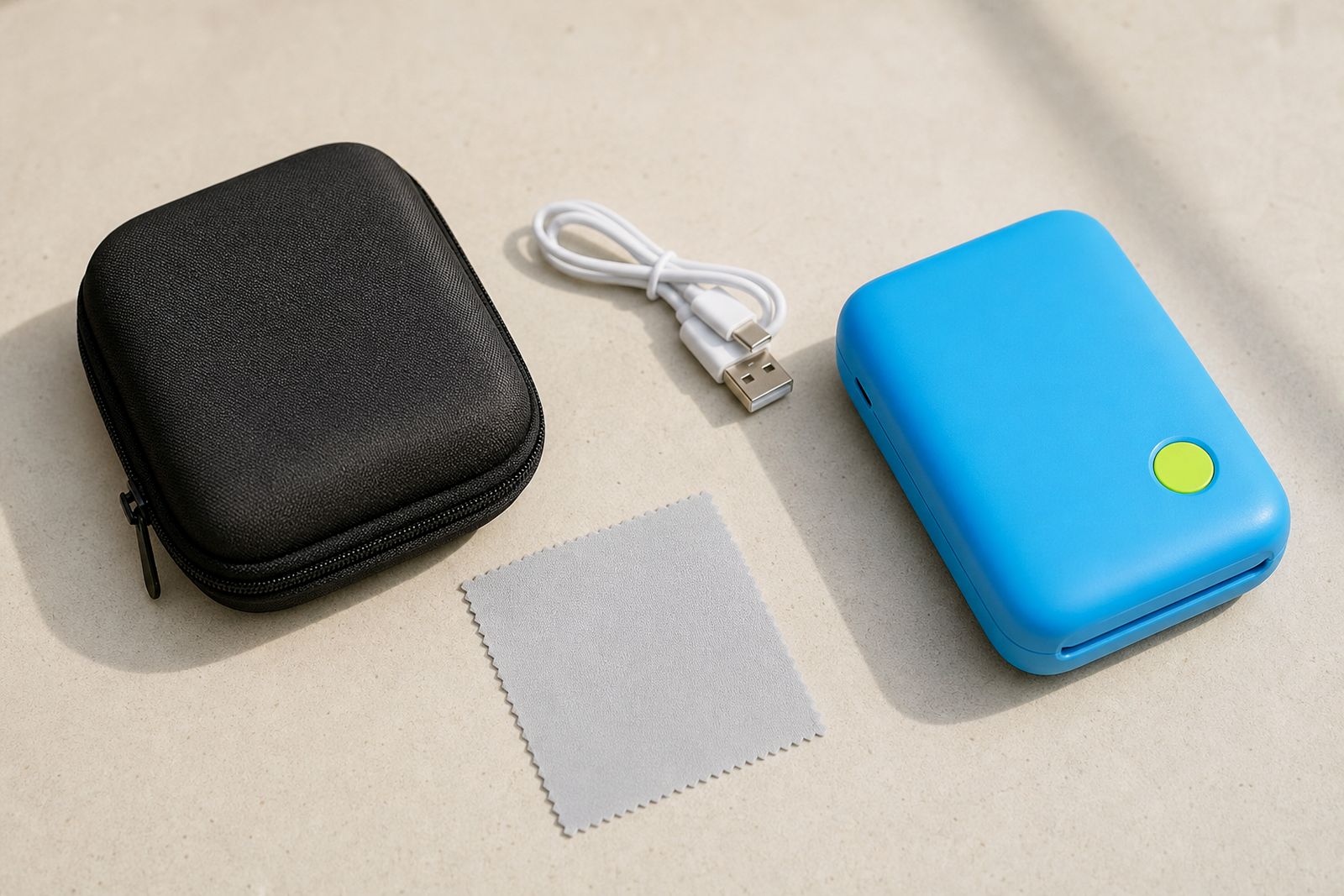
We supply protective carry cases, soft sleeves, charging cables, wall charging plugs where applicable, and portable charging options suited to supported pocket printers. Some options include space for paper packs or small photo stacks, while others are slim and made just for the printer body. If you are unsure which accessory matches your printer type, we help you choose before you order.
- Cases for compact storage and travel protection
- Chargers and cables for regular home or mobile use
- Options suited to casual users, teachers, scrapbookers and event guests
- Support with matching the accessory to the correct printer size
Sizes, fit and working limits
Cases are not one-size-fits-all. Pocket printers vary in length, width and thickness, especially between standard photo-only units and sticker-capable units. A fitted case should allow the printer to slide in without forcing the zip, and it should not press hard against the paper door or charging port. For customers who carry extra paper, a larger case is often more practical than a tight sleeve.
Chargers also have limits. A charging cable must match the printer port exactly, and a charger must provide suitable output for the battery system. Using the wrong cable or a low quality plug can lead to slow charging, connection drops or a battery that doesnt top up properly before you leave home.
- Slim sleeves suit light daily carrying and short trips
- Hard shell cases suit travel, school bags and event kits
- Accessory pouches suit users who carry paper packs and charging leads together
- Charging options depend on the printer port and battery rating
- Not all power banks are equally suitable for stable charging
Where they suit, and where they do not
These accessories suit customers who print on the move, keep a printer in a cupboard between uses, or take it out for weddings, birthdays, market stalls and classroom activities. In Sandton and wider Johannesburg, many customers want a neat carry setup for weekends away, baby showers and quick memory printing at restaurants or family events. Across the country we courier to every province, so customers in inland and coastal areas can order matching accessories with their paper and printer supplies.
They do not replace careful handling. A case will protect against scratches, dust and light knocks, but it is not a guarantee against a heavy fall, being sat on in a car seat, or water exposure. Chargers are for supported pocket printers only, not for large format machines, office equipment or unrelated devices. We also do not repair other brands or provide a general electronic repair service.
Power and setup needs
Most pocket printers are charged from a standard household plug through a USB charging lead or similar low-voltage connection. This makes them easy to use during load-shedding if you also have a suitable charged power bank, vehicle USB outlet or backup power source. For events, it helps to charge the printer fully before leaving and to keep one spare cable in the case so it is not forgotten.
There is no complicated installation, but there are a few basics to check. The charging port must be clean and dry, the cable should seat firmly without wobble, and the printer should be placed on a stable surface while charging. Avoid charging in direct sun on a car dashboard, in a closed hot boot, or in damp coastal conditions without a protective bag. Moisture and heat are hard on batteries and print paper both.
- Charge fully before weddings, parties and school events
- Keep the cable with the printer, not loose in a drawer
- Use only the correct connector type for your unit
- Store paper away from humidity and vehicle heat
Care, cleaning and storage
A case lasts longer when kept free of grit, makeup dust, pen marks and crumbs that can scratch the printer housing. Wipe hard shell cases with a slightly damp cloth and dry them before closing. Fabric sleeves can be dusted out and spot cleaned gently. Do not pack the printer away immediately after use if the unit feels warm from charging, let it cool first.
For chargers, avoid sharply bending the cable near either end. That is usually where failure starts. Unplug by holding the connector rather than yanking the lead. If you live near the coast, store spare cables and paper in a closed cupboard or sealed pouch because salty air and humidity can shorten the life of small electronics. A little care goes a long way even with a portable unit.
What to tell us when you enquire
When you contact us through the enquiry form, give enough detail so we can point you to the right case or charging option first time. This saves back and forth and helps if you are ordering from outside Johannesburg.
- Your printer type, and whether it prints photos only or photos and stickers
- The printer dimensions if you already measured it
- Whether you want a slim sleeve, hard case or space for paper and cable
- The charging port type if known, or a clear description of the connector
- Whether you need an extra cable for travel, school or events
- Your town or province for courier planning
If you are still choosing a printer, tell us how you plan to use it. A scrapbooker may need room for sticker paper, while a wedding guest may prefer the smallest carry option possible. We will guide you to accessories that match the printer and the way you actually use it.
What our Pocket Photo Printers customers say
Verified Google reviews
Questions we get asked
Can I use any phone charger with my pocket printer?
Not always. The connector must fit correctly and the charging output must suit the printer. Tell us your printer type and we will help you choose a suitable option.
Do your cases hold spare paper as well?
Some do and some do not. Slim sleeves are mainly for the printer itself, while larger zip cases can allow room for paper packs and a cable.
Are these accessories suitable for travel and events?
Yes, they are useful for weddings, parties, classrooms and weekends away, provided the printer is packed dry, charged properly and not left in excessive heat.
Also worth a look

Tell us about the job
Send sizes, materials and where you are through our contact form, and we will come back with the practical options.
Open the contact form